How to Install Your New Foxtel iQ4 or 5 Set-Top Box
If you’ve just upgraded to the new Foxtel iQ4 or 5, congratulations — you’re about to enjoy the best that Foxtel has to offer, including 4K Ultra HD (if you have a compatible TV), a slick new interface, and more streaming and live viewing options.
At Jim’s Antennas, we know that setting up a new device can feel daunting, so we’ve put together this easy-to-follow guide to help you get it right the first time.
What You Need?
Before you start, make sure you have:
- Your Foxtel iQ4 or 5 box
- Power cord & remote control (included)
- HDMI cable (included)
- An internet connection (WiFi or Ethernet)
- A working TV with a spare HDMI port
- Optional: An active satellite dish and/or antenna if you want to receive live Foxtel and Free-to-Air (FTA) channels.
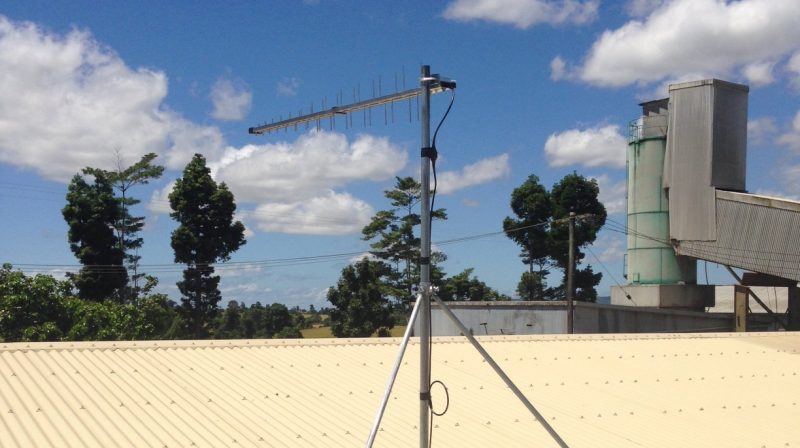
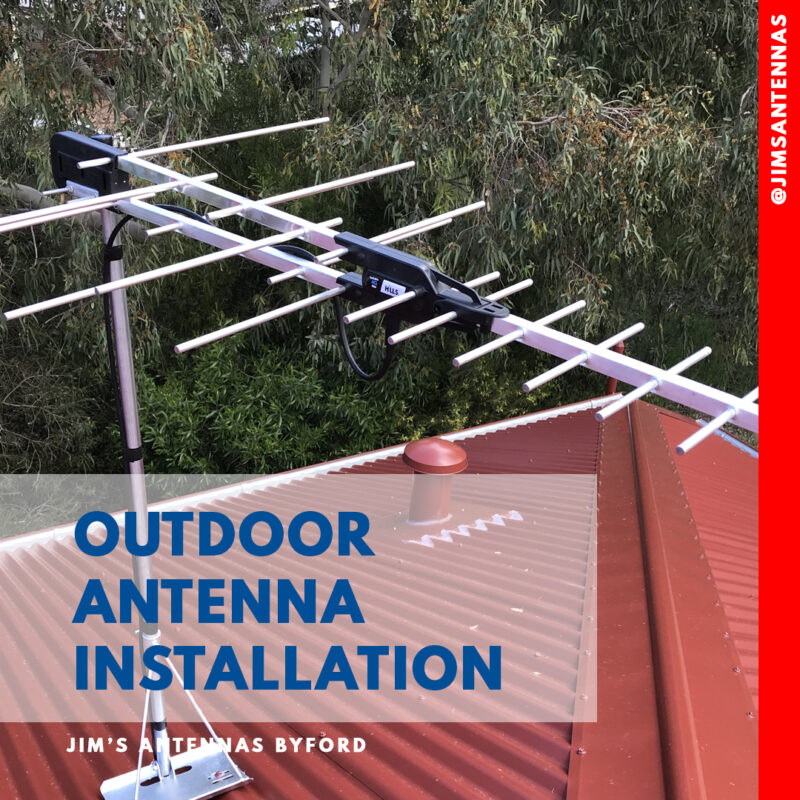
- A Free to Air Television Antenna mounted on your roof is required if you wish to watch ALL Channel 7,9,10, ABC & SBS related channels through your Foxtel Box without using Apps.
– If you don’t have one, Jim’s Antennas technicians can help you with selection & Installation – Call 131 546.
- A Free to Air Television Antenna mounted on your roof is required if you wish to watch ALL Channel 7,9,10, ABC & SBS related channels through your Foxtel Box without using Apps.
Step-by-Step Installation
1. Position Your iQ Box
Place the iQ somewhere well-ventilated — not inside a closed cabinet — and within reach of your TV, power point, and internet source.
2. Connect to Your TV
- Plug one end of the HDMI cable into the back of the iQ
- Plug the other end into an HDMI port on your TV.
- Remember which HDMI port you used (e.g., HDMI 1 or 2) — you’ll need this for your TV input selection.
3. Power Up
Plug the iQ into a power outlet and switch it on. You should see a light on the box and a Foxtel welcome screen on your TV.
4. Select the HDMI Input
Use your TV remote to select the correct HDMI input where the iQ5 is plugged in.

Connecting to Internet
When prompted:
- WiFi: Select your home WiFi network, enter the password.
- Ethernet: Plug an Ethernet cable directly from your modem/router into the iQ5 for a faster, more stable connection.
This enables on-demand streaming, apps, and software updates.
If You’re Using a Satellite Dish
If you have a Foxtel satellite dish, you can also receive live broadcast channels via satellite.
On the back of the iQ5, you’ll find two round coaxial ports labeled:
• SAT IN 1
• SAT IN 2
If you have one cable from your wall or dish, plug it into SAT IN 1.
If you have two cables, plug them into both ports to enable dual-tuner functionality (handy for recording and watching different channels simultaneously).
The iQ5 will automatically detect the satellite signal during setup and guide you through scanning channels.
Incorporating Free-to-Air (FTA) TV
If you want to watch Free-to-Air TV (like 7, 9, 10, ABC, SBS) through the iQ5 — so everything is controlled through one remote — you can also connect your TV antenna to the iQ5.
On the back of the iQ5 you’ll see a port labeled:
- ANT IN (for antenna input)
Connect your antenna lead (coming from your wall outlet or rooftop antenna) into this ANT IN port.
During setup, the iQ5 will scan for FTA channels along with your Foxtel channels and combine them into one easy-to-use guide.
If you don’t connect your antenna, you can still watch these channels via streaming if supported, but an antenna connection often gives better quality and reliability, especially during peak times.
Test Everything
Once setup is complete, check that you can:
• Stream on-demand content
• Watch live Foxtel channels via internet or satellite
• Access Free-to-Air TV
(if connected)

Jim’s Antennas Tips
• Ensure your antenna and satellite dish are properly aligned and in good condition for the best signal quality.
• For 4K Ultra HD, you’ll need a 4K-capable TV and sufficient internet speed (at least 25 Mbps).
• If your WiFi signal is weak near the TV, use Ethernet or consider a WiFi booster.

Need Help?
If you’d rather have a professional take care of it, the team at Jim’s Antennas can help!
We can:
- Install and set up your Foxtel iQ5
- Inspect, repair, or upgrade your antenna or satellite dish
- Set up your home theatre for the ultimate experience
- Work with you and provide a solution to slow internet and poor WiFi coverage
Call us today on 131 546 or visit jimsantennas.com.au to book a technician.
Enjoy your new Foxtel iQ5 and happy viewing!