Why Does My TV Keeps Pixelating?
It may not be your TV. From an ageing antenna to 4G/5G interference, here’s what’s really causing those annoying picture dropouts.
You’re halfway through your favourite show and suddenly the picture freezes, breaks into little squares, or the sound turns to robot-speak. It’s tempting to blame the TV itself, but in most cases the television is the last thing to check. Pixelation and dropouts are almost always a sign that the digital signal reaching your TV is weak, corrupted, or being interfered with before it ever gets there.
Here are the most common culprits, and what you can do about each one.
1. An Ageing or Weathered Antenna
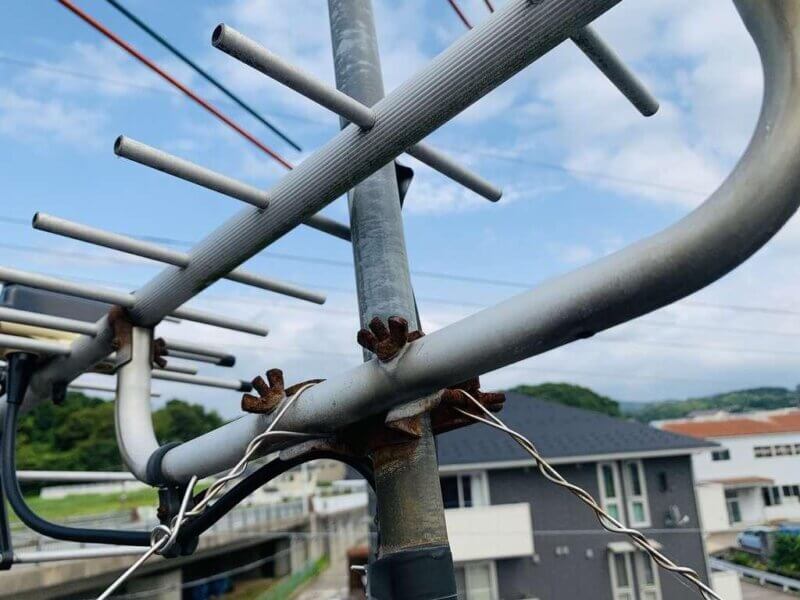
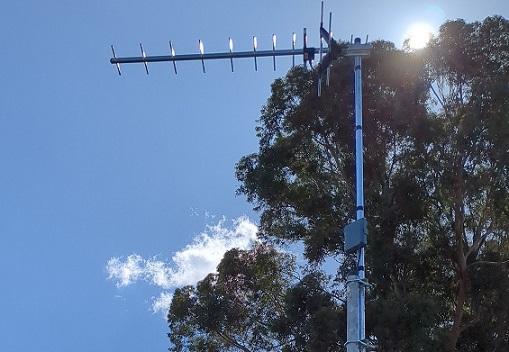
Outdoor antennas are built tough, but they don’t last forever. Years of sun, rain, wind, and salt air (especially near the coast) can corrode connections, loosen elements, or shift the antenna’s alignment away from the broadcast tower. A once-perfect signal gradually weakens, and pixelation creeps in during anything less than ideal weather.
2. Loose or Corroded Cabling and Connections
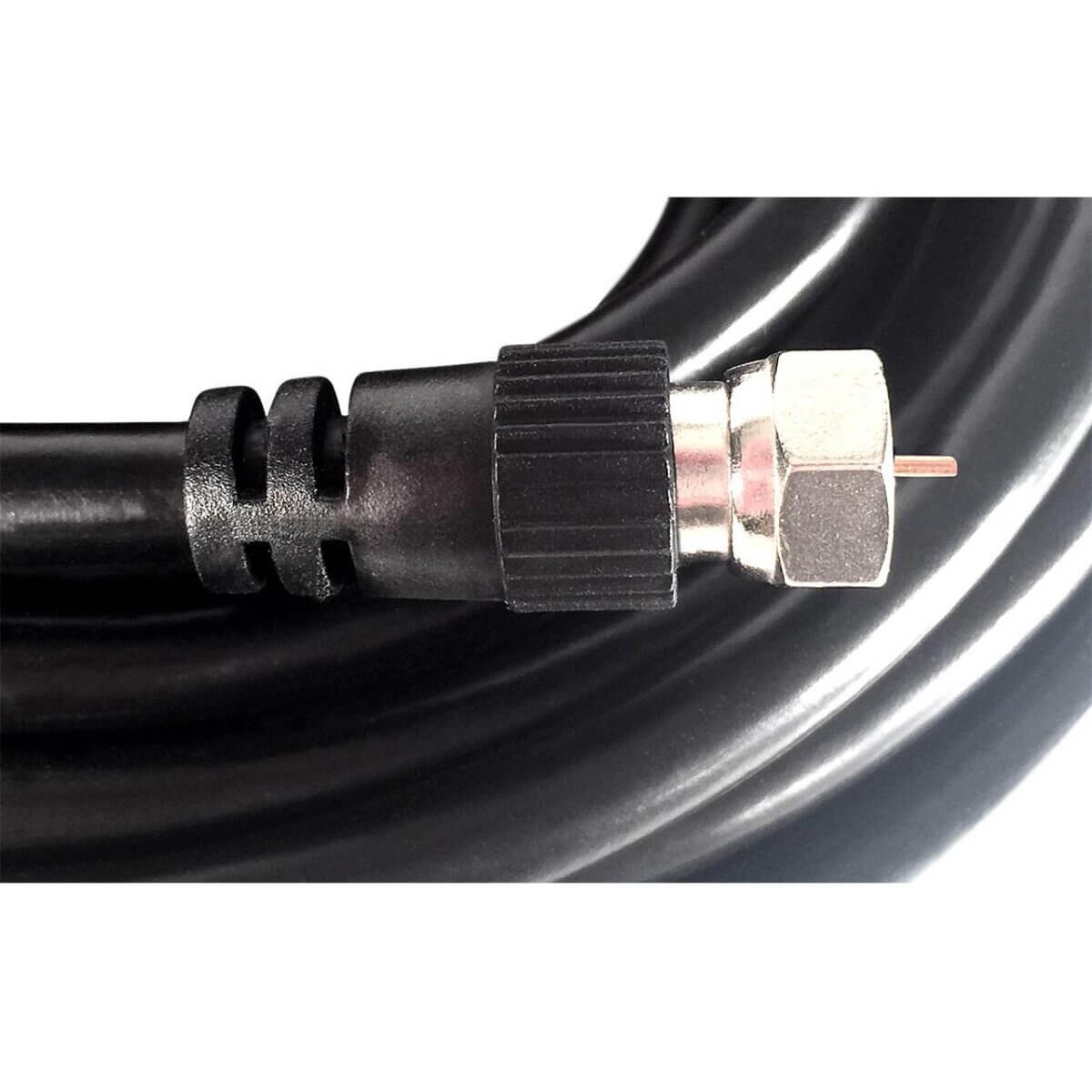
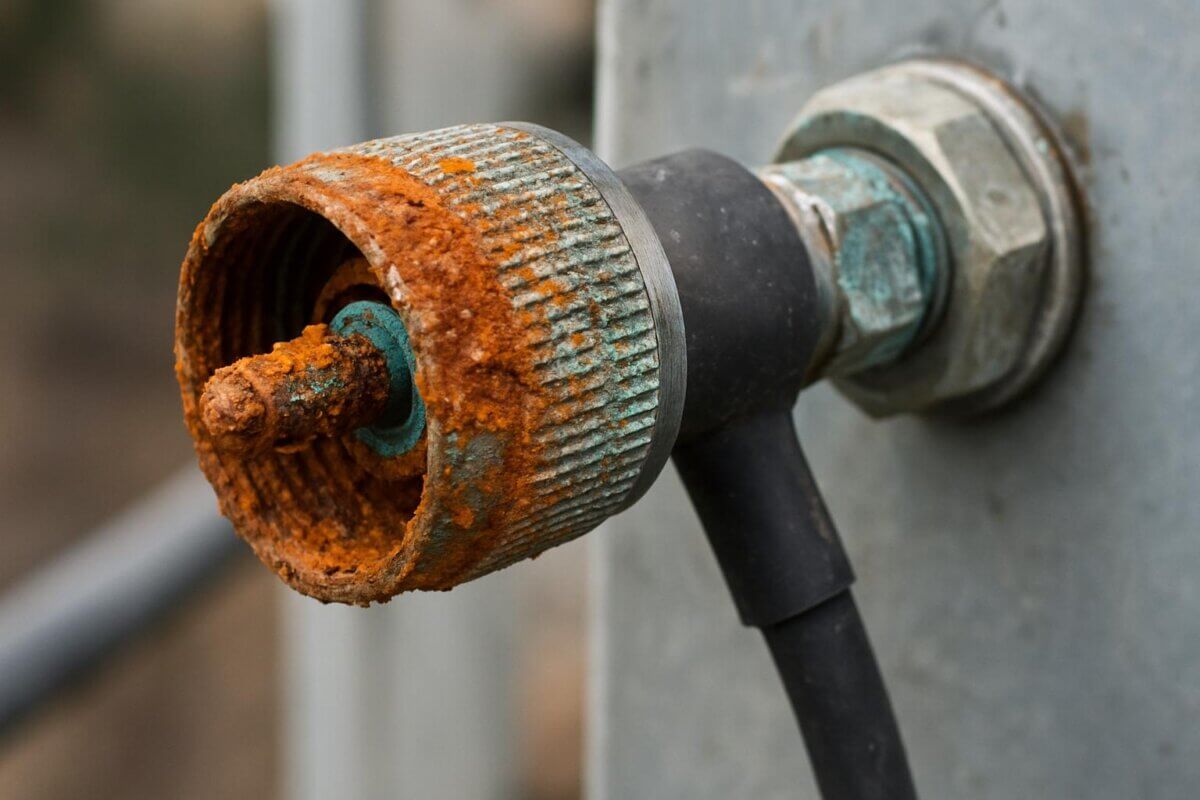
The coaxial cable and connectors running from your antenna to your TV are common failure points. Corrosion inside a connector, a cable nicked during other roof or ceiling work, or simple wear over 10 to 15 years can all cause intermittent signal loss. Often the first sign is pixelation that comes and goes rather than a complete loss of picture.
3. Weather and Environmental Interference
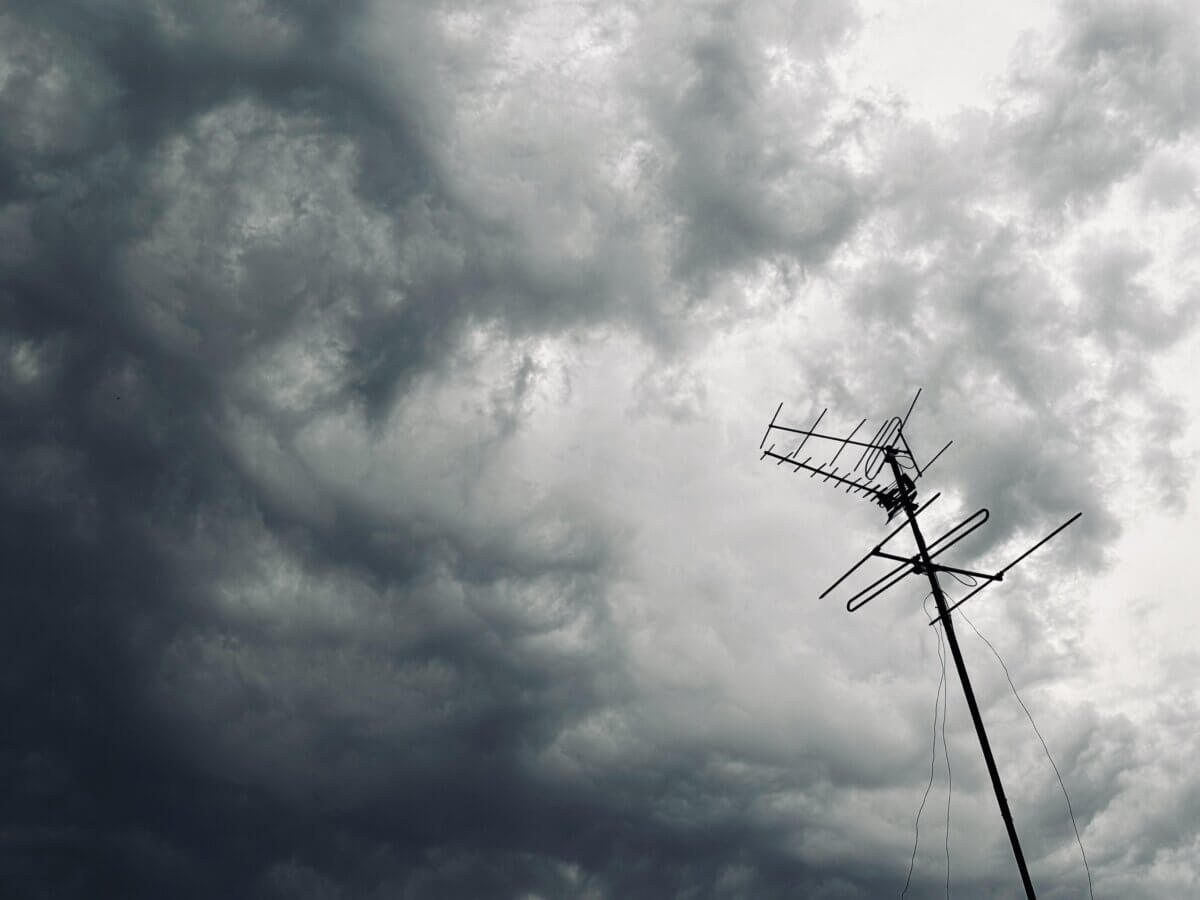
Heavy rain, storms, and strong wind can all affect terrestrial TV signals, particularly if your antenna is already marginal. Wind can also physically move an antenna out of alignment over time, which is why picture problems often start appearing after a storm season.
4. 4G/5G Mobile Network Interference
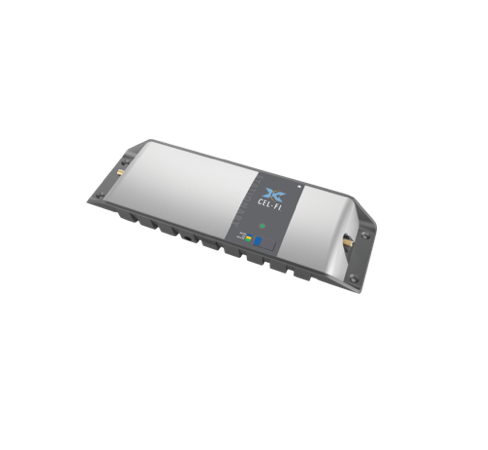
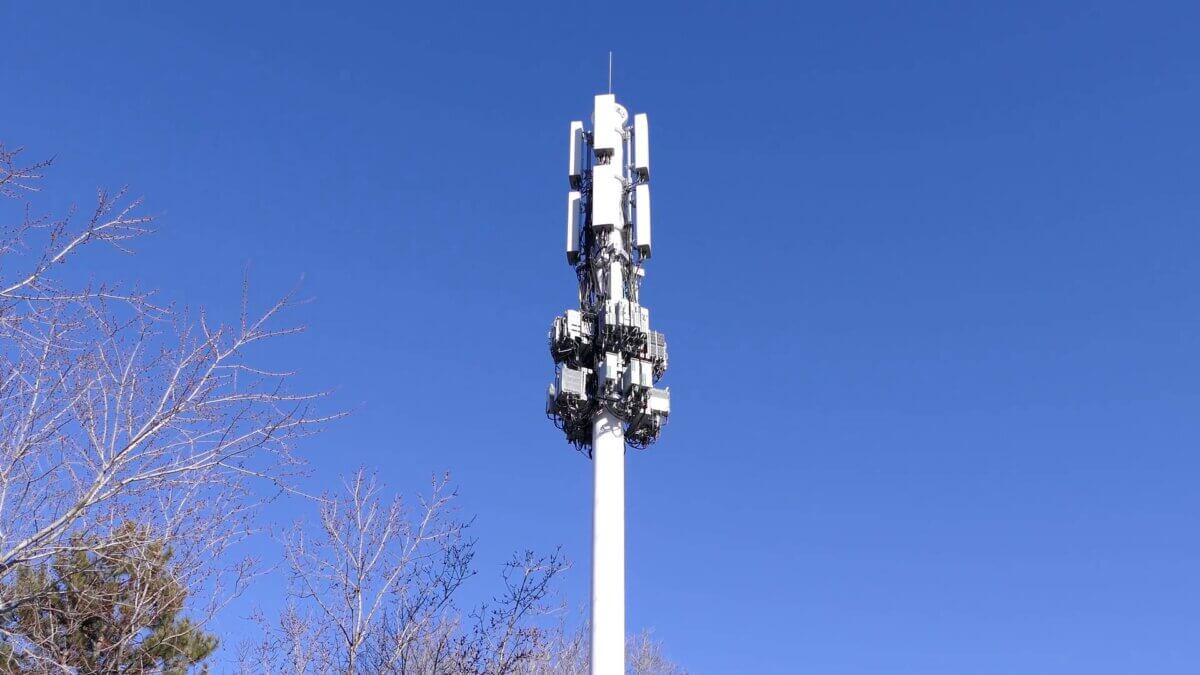
This one catches a lot of households off guard. Mobile phone towers, particularly newer 5G infrastructure, operate on frequencies close to the digital TV band. If you live near a mobile tower, your antenna signal can be partially drowned out by mobile network transmissions, causing exactly the kind of pixelation and dropout you’re seeing. The fix is usually a filter installed at the antenna or TV point to block the interfering frequencies.
5. Too Many TVs on One Signal
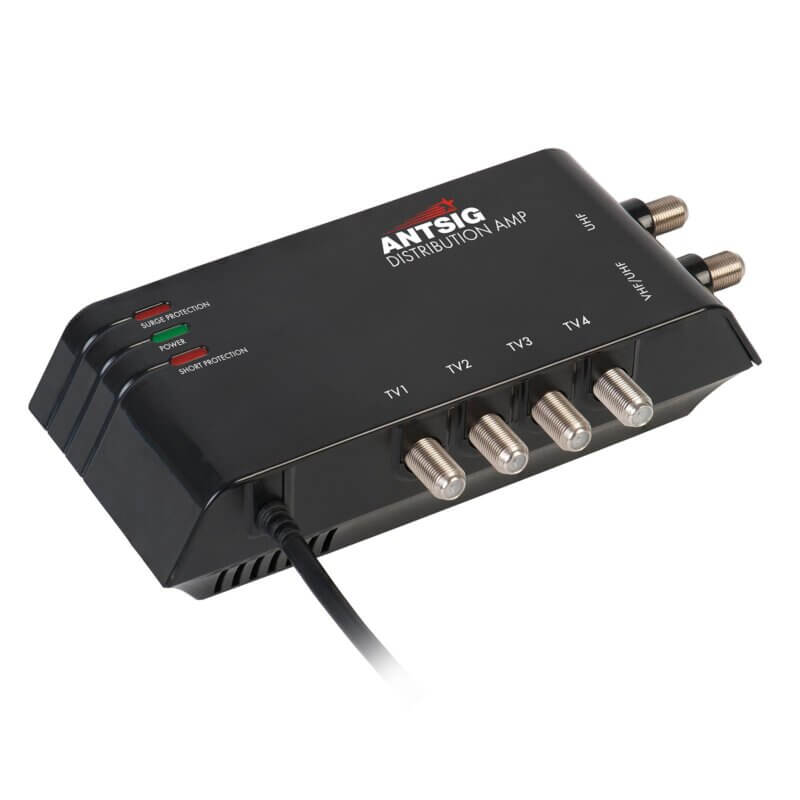
If your home has been split to feed multiple TVs without the right amplification, each additional outlet weakens the signal a little further. A splitter without a distribution amplifier is a common cause of one or two TVs in the house pixelating while others are fine.
6. Nearby Building Work or New Structures
New homes, extensions, or large trees growing near your property can physically block or reflect the signal path between your antenna and the broadcast tower, especially if reception was already borderline beforehand.
What You Can Do
- Check all visible cable connections at the wall point and back of the TV are firmly seated
- Run your TV’s channel retune/auto-scan function, as broadcasters do occasionally change frequencies
- Note whether the pixelation happens on all channels or just some, as this helps a technician diagnose the cause faster
- Note whether it happens in certain weather, or at certain times of day
- Avoid climbing onto the roof yourself to inspect the antenna, as this is a job for a qualified technician
If you’ve tried the basics and the picture is still breaking up, it’s time for a proper inspection. A technician can test your actual signal strength and quality at the wall point, check the antenna, cabling, and alignment, and identify whether interference from mobile networks or another source is to blame.
Book a Jim’s Antennas Technician
Don’t let a fuzzy picture spoil movie night. Book a Jim’s Antennas technician today and get your reception sorted by the local experts. Call 131 546 or book online at jimsantennas.com.au.