How to Run a Speed Test on WiFi vs. Hard-Wired Data Connection and Understand the Results.
Testing your internet speed is crucial to ensuring optimal performance from your ISP. While WiFi is convenient, a hard-wired (Ethernet) connection typically offers better stability and speed. This article guides you through conducting speed tests on both WiFi and wired connections and interpreting the results, including latency.
Running a Speed Test
Choosing a Speed Test Tool
There are several reliable tools available to measure internet speed, such as:
- Speedtest by Ookla
- Fast.com (by Netflix)
- Google’s Internet Speed Test
Testing WiFi Speed
Follow these steps to perform a WiFi speed test:
- Connect your device to your WiFi network.
- Close unnecessary applications that could interfere.
- Open a speed test tool in your web browser.
- Click “Go” or “Start” to begin the test.
- Wait for the test to finish and note down download speed, upload speed, and latency.
Testing Wired Connection Speed
For a more accurate assessment, conduct a speed test using a wired Ethernet connection:
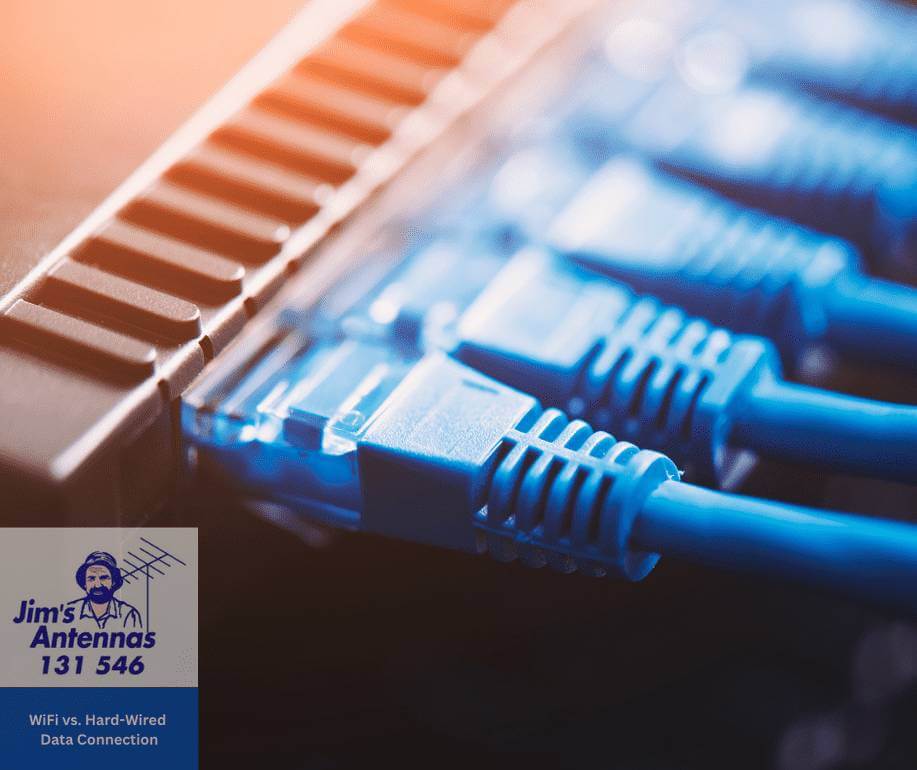
- Connect your computer directly to the router/modem with an Ethernet cable.
- Disable WiFi on your device to ensure only the wired connection is active.
- Repeat the speed test using the same tool.
Understanding the Results
Download Speed
Measured in Mbps, download speed indicates how fast data is pulled from the internet to your device. Higher speeds improve streaming, downloads, and online performance.
Upload Speed
Also in Mbps, upload speed measures how quickly data is sent from your device to the internet, crucial for video calls and cloud backups.
Latency (Ping)
Measured in milliseconds (ms), latency reflects the time data takes to travel between your device and a server. Lower latency is vital for gaming and video calls:
- Below 20ms: Excellent
- 20-50ms: Good
- 50-100ms: Acceptable
- Above 100ms: Noticeable lag
Jitter
Jitter measures latency variation over time. Lower values mean a stable connection, while high values can cause disruptions in activities like video calls.
Comparing WiFi and Wired Results
- WiFi speeds are typically lower due to interference and signal loss.
- WiFi often has higher latency, affecting gaming and video calls.
- Wired connections offer stable performance, especially for data-heavy tasks.
If WiFi speeds are lower than expected, consider upgrading your router, adjusting its position, or switching to a less crowded frequency band (like 5GHz).
Conducting speed tests on both WiFi and wired connections helps assess your internet’s performance. Understanding download speed, upload speed, latency, and jitter enables you to identify issues and improve your internet experience. If you’re experiencing persistent speed issues, don’t settle for a slow or unreliable connection. Let the experts at Jim’s Antennas troubleshoot and optimise your setup to ensure you’re getting the best performance possible.