How Can I Extend the Wifi Range of My Starlink?
When installed correctly, the Starlink router will provide WiFi to your house, usually with good results. With some large and multi-story houses, there can be weak spots where the WiFi drops out. Your Jim’s Antennas technician can provide a number of solutions to guarantee excellent quality WiFi in all areas of your house. These include:
- WiFi Access Points
- Range Extenders
- WiFi Mesh Systems
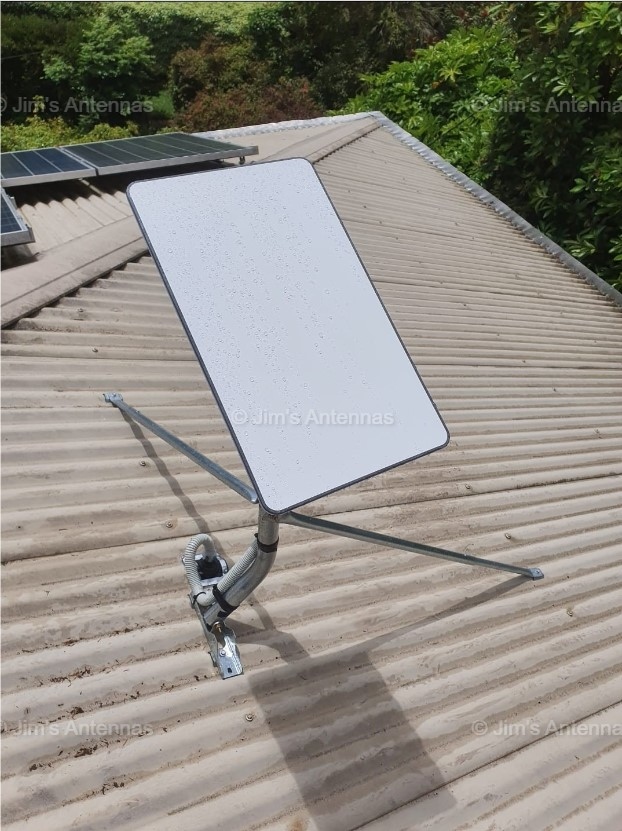
Your Starlink kit comes with a 30 metre cable so this dictates where the Router can be located and subsequently the source of your WiFi signal (ie; within 30 metres of the dish, taking into account where cables can be run through wall cavities etc). Whilst additional cabling can be ordered from the Starlink website, it is usually not required. You will not be able to cut or extend the Starlink cable yourself.
Should you want to ‘plug in’ a device to the system with a cable, such as a Laptop, you will need to order the Starlink ‘Ethernet Adapter’ which can be ordered only from their website. If you require additional Ethernet ports to plug into, you can use any reliable switching device.
For properties where Internet/WiFi is required in external buildings to where the Starlink Router is situated, there are some excellent products available to achieve this wirelessly, even over long distances. There are outdoor WiFi Access Points along with Point to Point (PtP) and Point to Multiple Point (PtMP) systems available. Chat with your Jim’s Antennas technician about the best solution for your WiFi needs.
Next Question: What is the Installation Process for Starlink?