Starlink vs NBN in Australia: Which is Best For Your Home?
Reliable, high-speed internet is no longer a luxury. It’s an absolute necessity. But if you live in a regional, rural, or outer-suburban pocket of Australia, your internet options can feel incredibly frustrating.
For years, the National Broadband Network (NBN) was the only game in town. Now, Elon Musk’s Starlink has completely disrupted the market. Following major price restructures and the rollout of next-generation hardware, Starlink is no longer just an experimental luxury for tech enthusiasts; it is a direct competitor to traditional home internet.
But is Starlink genuinely reliable, and how does it stack up against Australia’s NBN? Before you purchase any equipment, let’s look at the real-world comparison.
Speed & Technology: The Low-Earth Orbit Advantage
The fundamental difference between Starlink and NBN lies in how data reaches your home.
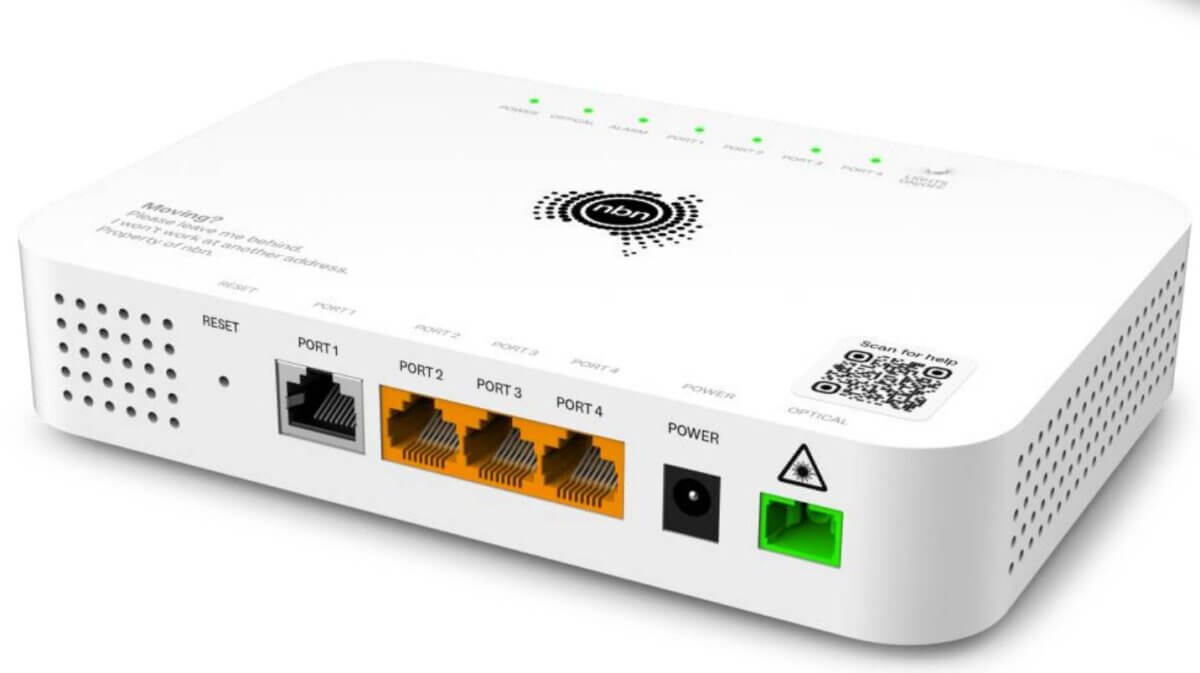
Traditional NBN satellite (Sky Muster) relies on massive, geostationary satellites parked roughly 36,000 kilometres out in space. Because the data has to travel so far, it suffers from terrible lag (latency), often exceeding 600ms. This makes online gaming, video calls, and seamless streaming practically impossible.
Starlink utilizes a constellation of thousands of Low-Earth Orbit (LEO) satellites flying just 550 kilometres above Earth. Because they are so close, Starlink delivers lightning-fast latency, typically sitting between 20ms and 45ms, which rivals fixed-line ground connections.
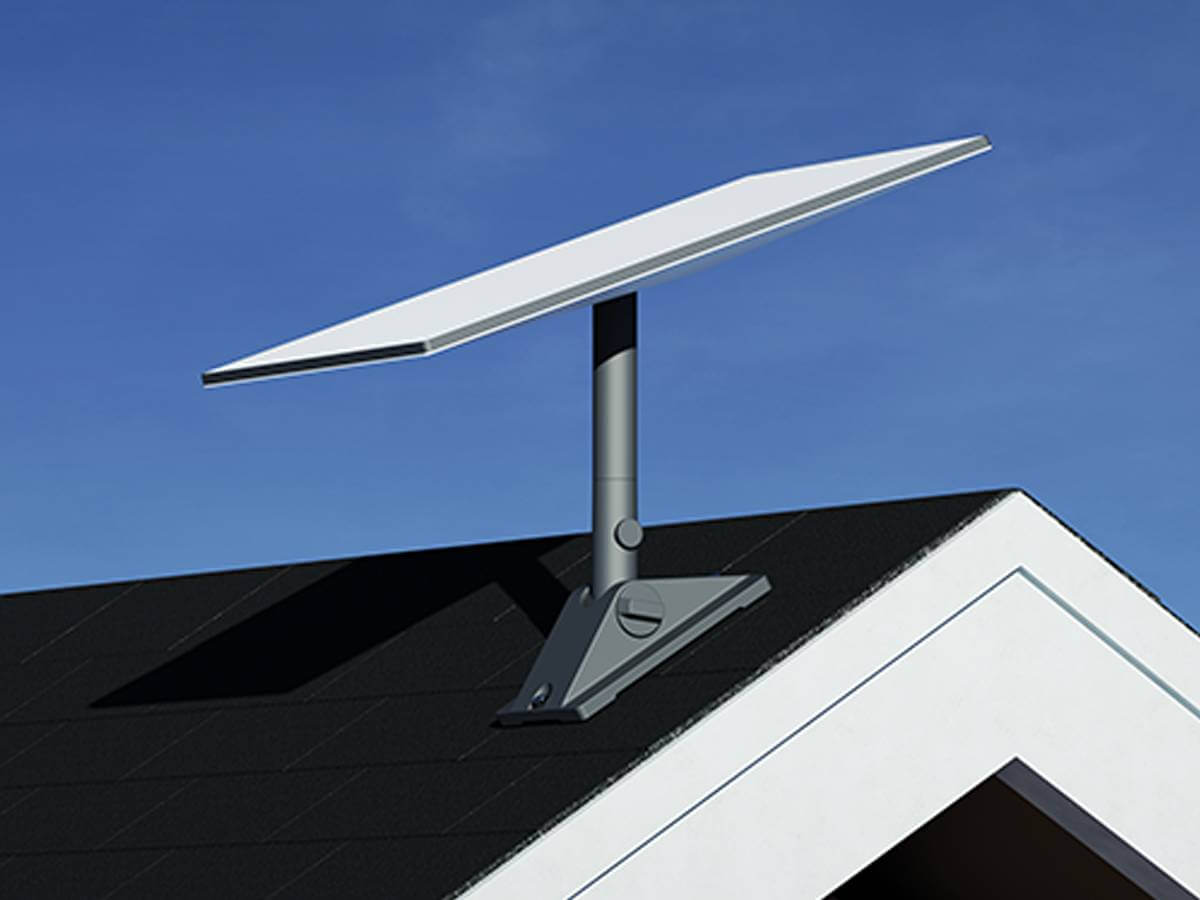
- The Speed Reality: While NBN Fixed Wireless or copper-based Fibre-to-the-Node (FTTN) plans struggle to hit consistent speeds, Starlink routinely delivers download speeds ranging anywhere from 100 Mbps up to 400+ Mbps, depending on your choice of plan.
Plans and Pricing: The 2026 Landscape
Starlink completely overhauled its old “one-size-fits-all” pricing model. Instead of a single flat rate, users can now choose from tiered service levels to better match their budgets, while NBN has adjusted its regional pricing structures to compete.
Residential Internet Plan Comparison
| Feature | Starlink Residential 100 | Starlink Residential 200 | Starlink Residential Max | Regional NBN (Wireless / Sky Muster Premium) |
| Monthly Cost | $75/mo (Standard) | $110/mo (Standard) | $150/mo (Premium) | $65 – $100/mo |
| Typical Download Speeds | Up to 100 Mbps | Up to 200 Mbps | Up to 400+ Mbps | 25 Mbps to 100 Mbps (Burst) |
| Data Limit | Unlimited | Unlimited (Deprioritised at peak) | Unlimited (Uncapped Priority) | Unlimited (Sky Muster Premium features no caps) |
| Contracts | Contract-free | Contract-free | Contract-free | Contract-free (Varies by ISP) |
The New Hardware Revolution: Gen 3 and Starlink Mini
Hardware has advanced significantly. The days of the old, motorized Gen 1 and Gen 2 “Dishy” are gone.
- The Gen 3 Standard Kit: Starlink’s standard home setup features an ultra-sleek, non-motorized panel with an ultra-wide field of view and a powerful Wi-Fi 7 router.
- The Starlink Mini: This game-changing, compact portable dish has an integrated router built directly into the panel. It’s roughly the size of a laptop and can be powered on the go, making it the ultimate tool for caravanning, camping, and remote work.
- Upfront Costs vs. Rentals: While buying a Starlink kit outright costs $549, Starlink has introduced official hardware rental models starting at around $19 a month, radically lowering the barrier to entry for everyday households.
The Verdict: When Should You Switch?
Your choice comes down to the type of NBN infrastructure at your house:
- Stick with NBN if: You have FTTP (Fibre-to-the-Premises) or FTTC (Fibre-to-the-Curb). These physical lines are cheap, fast, and completely weather-proof.
- Switch to Starlink if: You rely on NBN Satellite (Sky Muster), Fixed Wireless, or slow copper lines (FTTN). Upgrading to Starlink will instantly unlock 4K streaming, smooth gaming, and lag-free video calls.
Why You Shouldn’t DIY Your Starlink Installation

Starlink is marketed as “plug-and-play,” but leaving an expensive dish sitting on a lawn or outdoor table is a recipe for dropouts and damage. For a reliable connection, a permanent roof mount is essential. Here is why you should skip the DIY frustration and leave it to the pros:
- The Obstruction Trap: Starlink requires a completely clear, wide view of the sky. A single overhanging tree branch or chimney can cause your internet to drop out every few minutes.
- Extreme Australian Weather: Temporary mounts can’t handle intense storms. High winds can easily shift or permanently damage your dish. Professional roof installations use heavy-duty, weather-sealed, masonry-anchored mounts built to stay put.
- Messy, Hazardous Cables: Dragging thick cables through windows or letting them dangle over gutters looks terrible and creates water leaks or fire hazards.
Get a Flawless, Professional Setup
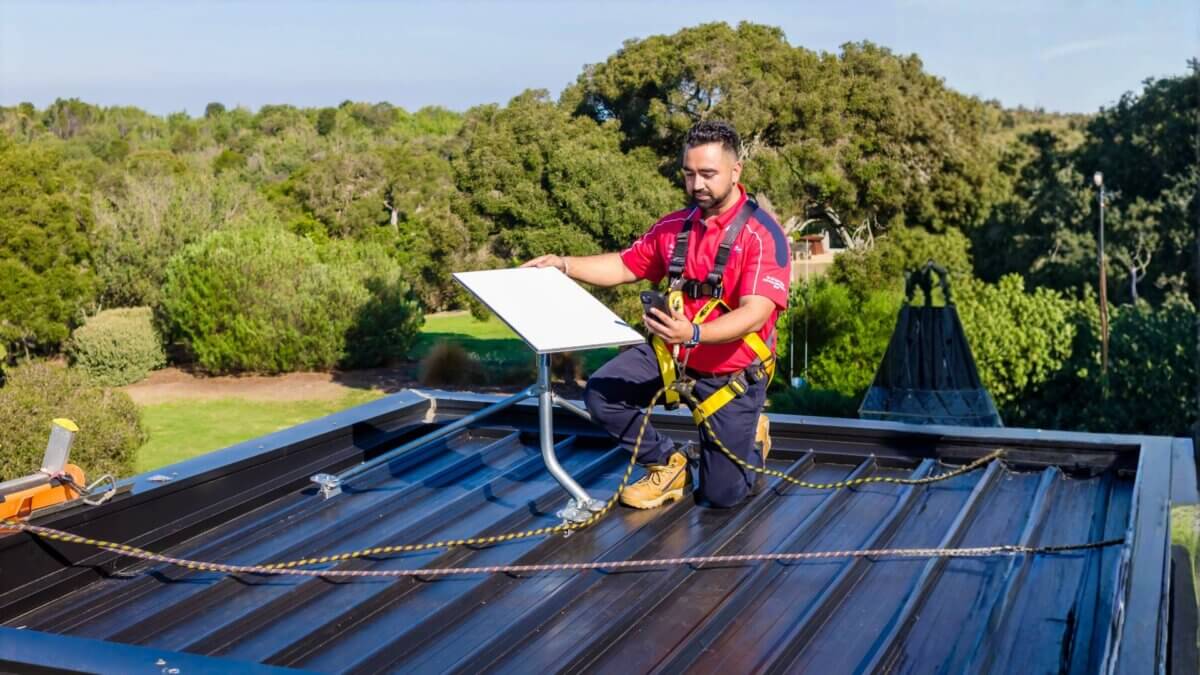
Don’t risk climbing onto your roof or damaging your brand-new hardware. The team at Jim’s Antennas will securely roof-mount your dish, cleanly route all cabling entirely inside your wall cavities, and optimize your router for maximum whole-home Wi-Fi coverage.
Call Jim’s Antennas today on 131 546 for a free, onsite, no-obligation quote, or book your FREE professional Starlink quote online in seconds!