Broadband vs Wi-Fi – What’s the Difference?
At Jim’s Antennas, we often hear customers say, “My broadband isn’t working” when what they really mean is “My Wi-Fi is playing up.” It’s an easy mix-up but understanding the difference between broadband and Wi-Fi can save you a lot of time (and frustration) when something goes wrong at home.
Broadband – Your Internet Connection to the World
Broadband is the internet connection that comes into your home from your service provider i.e. Aussie Broadband. In Australia, this is usually delivered through one of the following technologies:
- NBN Fibre to the Premises (FTTP) – fibre cable direct to your home for the fastest, most reliable speeds.
- NBN Fibre to the Node (FTTN) or Fibre to the Curb (FTTC) – fibre runs part of the way, then uses existing copper wiring for the rest.
- Fixed Wireless – fibre runs part of the way, then uses existing copper wiring for the rest.
- 5G or 4 Home Internet – uses a mobile network instead of physical cables.
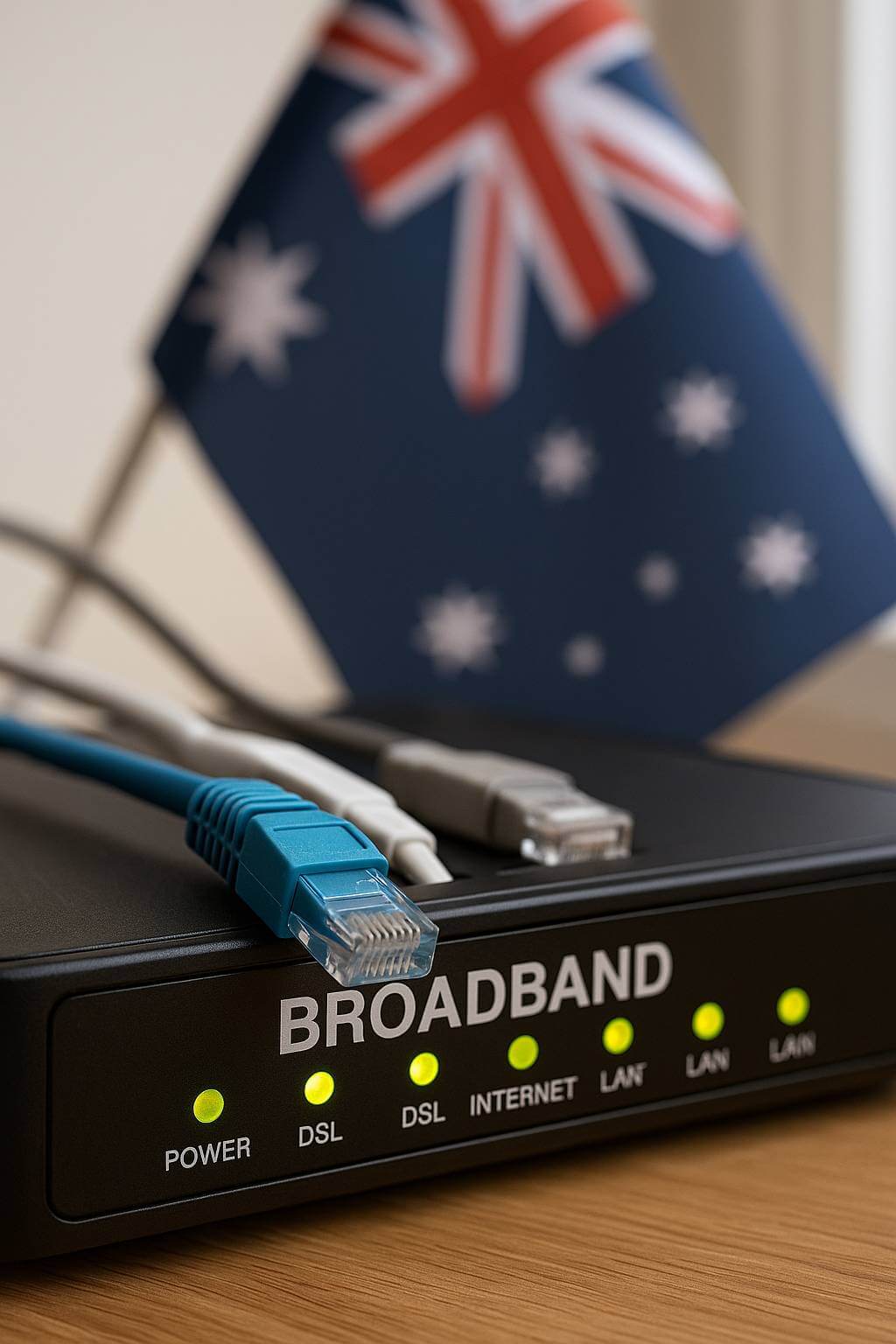
Broadband is what your provider bills you for, it’s the pipeline carrying data to and from your house.
Wi-Fi – Your In-Home Wireless Network
Wi-Fi, on the other hand, is the wireless network inside your home.
It’s how your devices; phones, laptops, TVs, smart speakers connect to your broadband without using cables.
Your Wi-Fi router takes the broadband signal from your NBN box or modem and sends it wirelessly around your home using radio waves.
If you have weak Wi-Fi in parts of the house, it doesn’t necessarily mean that your broadband is slow it’s most likely that your wi-fi signal isn’t reaching that area properly.
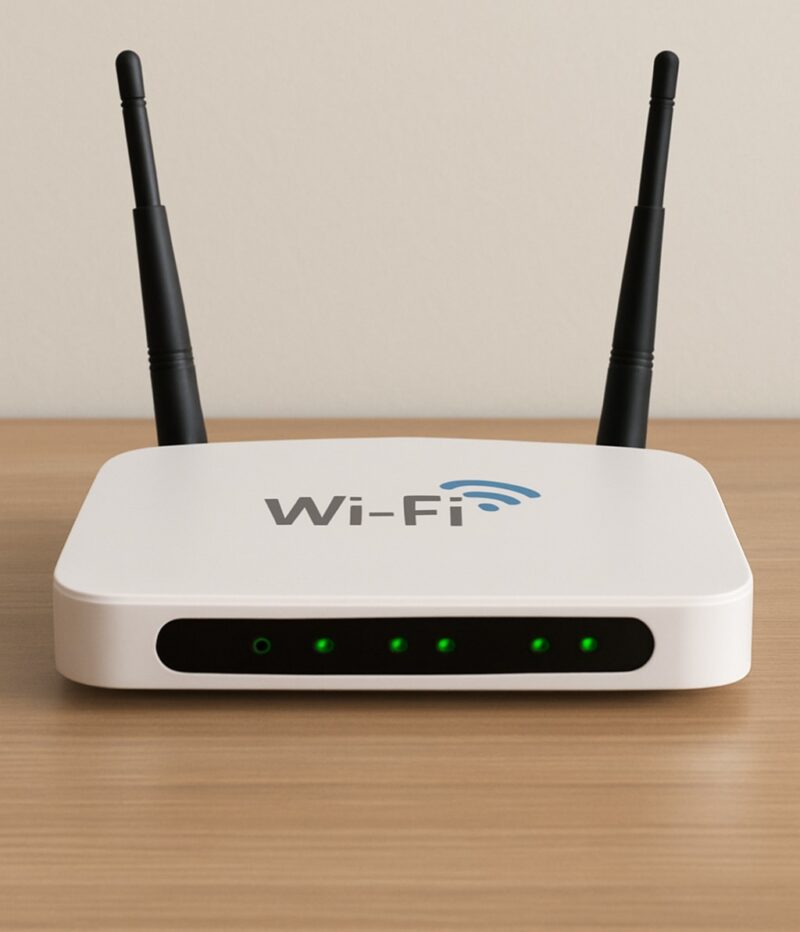
Your Wi-Fi router takes the broadband signal from your NBN box or modem and sends it wirelessly around your home using radio waves. If you have weak Wi-Fi in parts of the house, it doesn’t necessarily mean that your broadband is slow it’s most likely that your wi-fi signal isn’t reaching that area properly.
Common Confusion Points
| Problem | Likely Cause | Who Can Help |
|---|---|---|
| Slow internet on all devices including hardwired (cabled) devices | Broadband issue (provider or NBN line) | Contact your service provider |
| Internet drops out only in one room | Wi-Fi coverage issue | Jim’s Antennas can improve your Wi-Fi network |
| Fast speeds via cable, slow on Wi-Fi | Router or signal problem | Jim’s Antennas can assess and optimise setup |
How Jim’s Antennas Can Help?
Our technicians don’t just install antennas we’re experts in home networking and Wi-Fi solutions.
We can:
- Test your broadband and Wi-Fi to pinpoint what’s slowing you down.
- Test your broadband and Wi-Fi to pinpoint what’s slowing you down.
- Install mesh and access point Wi-Fi systems to eliminate black spots.
- Hard Wire connections for smart TVs, gaming consoles and streaming devices for optimal performance.
Whether your issue is outside (broadband) or inside (Wi-Fi), we’ll help you get the best connection possible.
In Summary
• Broadband = the internet connection coming into your home from your service provider.
• Wi-Fi = the wireless network distributing that connection around your home.
If your Wi-Fi isn’t performing well, it doesn’t always mean your broadband is at fault and that’s where Jim’s Antennas can step in.
Need stronger Wi-Fi at Home?
Call Jim’s Antennas on 131 546 or book online for expert help improving your home internet experience.