





Australia’s Leading Installation Service for Starlink Products
Starlink installation service Australia-wide, our team is trained and experienced in all things relating to Satellite installation. All work done by Jim’s Antennas is covered under warranty and the Jim’s Work Guarantee.
While Starlink is sold as a DIY product, it often requires professional installation. Especially since the only technical assistance available to customers through Starlink is an online portal – which isn’t much help if your internet isn’t working!
To avoid damaging your expensive new equipment or running into technical issues, we recommend having your Starlink satellite installed by a professional. That said, in the event you run into difficulties when completing a DIY installation, Jim’s Antennas are here to help.
Starlink Installation Q&A
What does the installation process involve?
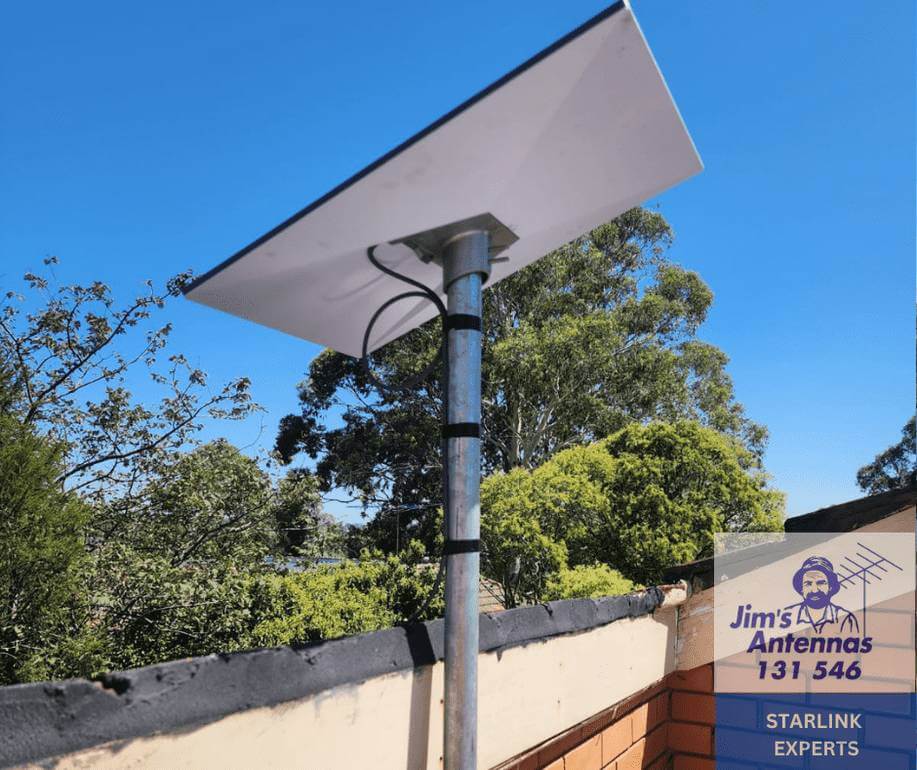
- Site survey/assessment: A Jim’s Antennas technician will come to your home or business to provide an onsite, no obligation quote. When assessing your location our experienced technicians will carry out an obstruction test which determines the mounting location and height to receive the best possible signal. Other things they will consider are; safely accessing your roof, mounting options, possible cable routes and the location of your Router, including options to ensure adequate WiFi.
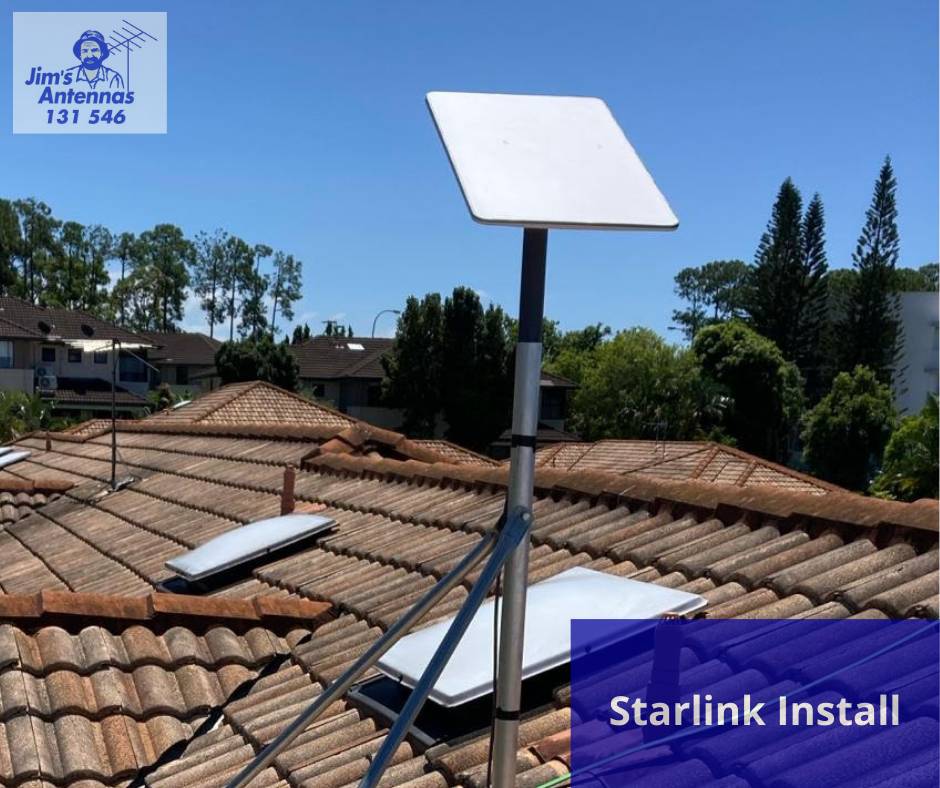
- Installation: We securely mount the Starlink satellite dish to the roof of the property (or other suitable location) and run cabling that connects the Starlink satellite dish to the router. We will create an interior outlet (if required) near where the new router is located. Our technicians will then help you set up your new internet connection and WiFi network, using the Starlink app. Any additional WiFi products you’ve requested can be installed at the same time.
- Assessment of efficiency: Once complete, your Jim’s Antennas technician will run an internet speed test to check the download and upload speed, and to ensure that your new internet connection is fast and reliable.
What factors affect the installation cost?
- Where the Starlink satellite will be located: ie. how difficult is it to access this location, how far is this location from where you require internet access…
- What obstructions exist that may interfere with signal reception and what height is required to avoid them: is there clear line of sight or are there tall trees, structures or buildings in the way
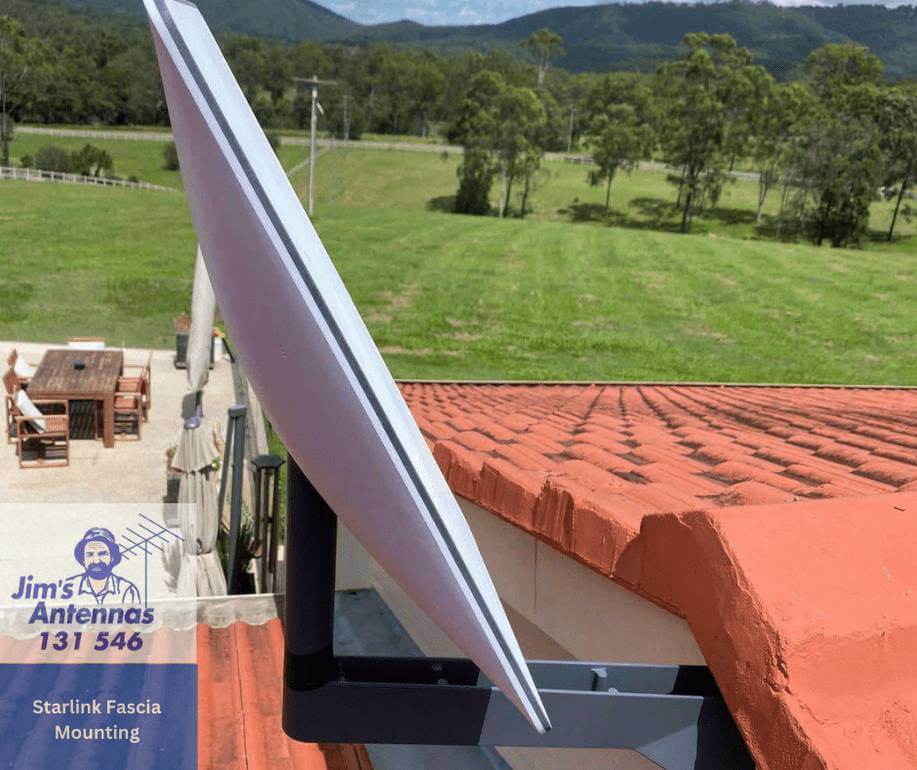
- What is the construction of your house? Flat or pitched roof, is there a crawl space or wall cavities to run the cable through, single or double story, tile or metal roof, brick veneer or cladding for the walls, is it timber or steel-framed…
How can I extend the wifi range of my Starlink?
When installed correctly, the Starlink router will provide WiFi to your house, usually with good results. With some large and multi-story houses, there can be weak spots where the WiFi drops out. Your Jim’s Antennas technician can provide a number of solutions to guarantee excellent quality WiFi in all areas of your house.
Some options are: WiFi Access Points, Range Extenders, WiFi Mesh Systems,…
Australia’s most experienced satellite installation service
Contact our team at Jim’s Antennas for fast, friendly and reliable service throughout Australia. Call today on 131 546 or click the button below for a free, no-obligation quote.
Learn more

Starlink’s New Affordable $69 Internet Plan Lands in Australia – But There’s a Limitation
Starlink has just launched its most affordable residential internet plan yet in Australia, offering families and households a new way
Starlink’s Next-Gen Satellites Set to Transform Internet Speed in 2026
Starlink has announced a major step forward in satellite technology with plans to launch its third generation of satellites in
Get Connected Anywhere: Starlink Installation Made Easy with Jim’s Antennas
The internet is great; until it isn’t. If you’ve ever battled dropouts, buffering, or dead zones in your home or
Frequently Asked Questions
What is Starlink, and how does it work?
Starlink is a satellite internet service provided by SpaceX. It uses a constellation of low-Earth orbit (LEO) satellites to deliver high-speed, low-latency internet, even in rural or remote areas.
What equipment is included in the Starlink kit?
The Starlink kit includes:
- Starlink dish (antenna)
- Wi-Fi router
- Power supply
- Cables
- Lawn Base for mounting
Where can I mount the Starlink dish in Australia?
The Starlink dish requires a clear view of the sky to connect with satellites. It can be mounted:
- On the ground using the provided base
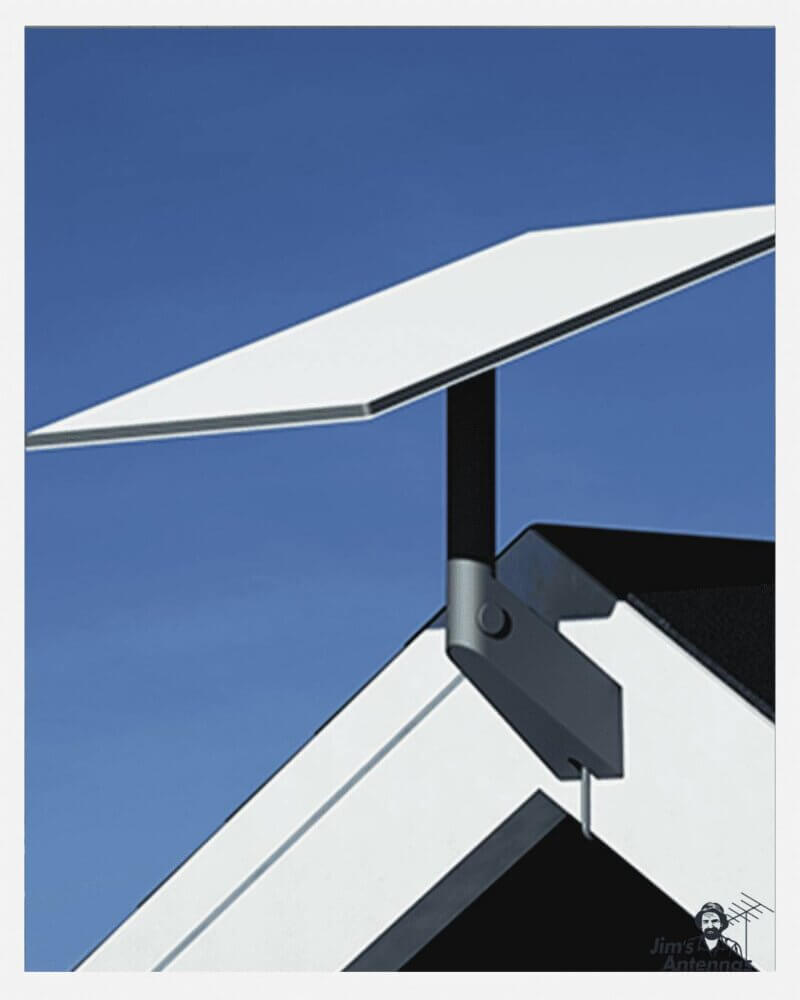
- On your roof or wall with additional mounting brackets
- On a pole or mast from the roof for better clearance and line-of-sight
What are pole adaptors, and why might I need one?
A pole adaptor is an accessory that allows the Starlink dish to be mounted securely on a new or existing pole or mast. You might need a pole adaptor if:
- You have new or existing TV antenna pole or structure suitable for mounting.
- You need additional height to achieve a clear, unobstructed view of the sky.
How do I purchase a Starlink pole adaptor?
Pole adaptors are not included in the standard Starlink kit. They can be purchased:
- Directly from the Starlink website under “Accessories.”
- From local suppliers or installers that stock compatible mounting hardware.
How do I install the Starlink dish on an existing pole?
- Attach the Starlink pole adaptor to your existing mounting pole.
- Secure the Starlink dish to the adaptor.
- Use the Starlink app to test placement and align the dish for optimal signal reception.
- Run the cable to your desired location (ensuring you maintain separation from other services) and connect it to the router.
Can I install Starlink on my own, or do I need professional help?
The Starlink lawn mount is designed for easy self-installation. The Starlink app provides guidance to:
- Find the best ground location for installation.
- Align the dish for optimal performance.
- Test and troubleshoot the connection.
For complex installations (e.g., pole mounting on roofs), you may prefer to hire a professional installer.
Does the Starlink dish work in all Australian weather conditions?
Yes, the Starlink dish is designed to operate in various weather conditions, including rain, wind, and temperatures common in Australia. It also has a built-in heater to melt snow, though snow isn’t usually a concern in most parts of Australia.
What should I do if I have obstructions like trees or buildings?
Obstructions can interfere with the Starlink signal. To resolve this:
- Use a higher mounting option like a pole or mast.
- Relocate the dish to an area with a clearer view of the sky.
- Use the Starlink app’s obstruction tool to test potential locations.
What happens if I move or need to relocate the dish?
The Starlink dish is portable. If you move to a new location:
- Unmount the dish and pack up your equipment.
- Use the Starlink app to update your service location.
- Reinstall at the new location following the same setup process.
How do I troubleshoot installation issues?
Common troubleshooting steps include:
- Ensuring the dish has a clear view of the sky.
- Checking all connections and cables.
- Restarting the router and dish.
- Using the Starlink app to identify and resolve issues.