Device Overload: Can Too Many Connected Devices Slow Down Your Home Wi-Fi?
From smart TVs and security cameras to phones, tablets and voice assistants, your home network is working harder than ever. Here’s why it struggles, and what you can do about it.
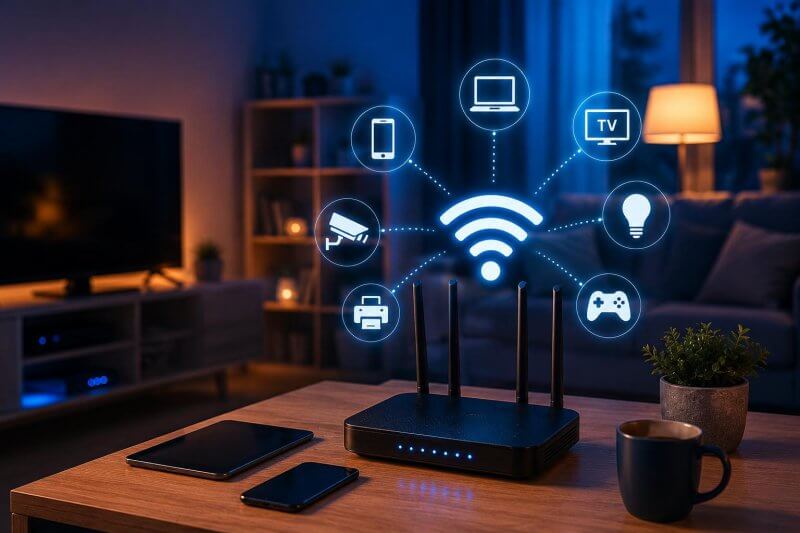
Think back a decade. A typical Aussie home had a couple of laptops, a phone or two and maybe a games console. Today? Add smart TVs, streaming sticks, tablets, smart speakers, video doorbells, CCTV cameras, robot vacuums, smart lights, printers, fitness watches and work-from-home gear, and it’s easy to be running 30, 40 or even 50 connected devices without realising it.

So when movie night starts buffering or your video call keeps freezing, it’s natural to blame the NBN. But very often, the real culprit is much closer to home: too many devices fighting over the same Wi-Fi.
The short answer: Yes, it can
Too many connected devices can absolutely slow down your home Wi-Fi. But it isn’t simply about the number on your device list. It’s about what those devices are doing, and whether your router and network are built to cope.
Why Too Many Devices Slow Your Wi-Fi
You’re Sharing One Pipe
Your internet plan delivers a set amount of speed to your home. Every device that’s actively using data takes a slice. If the 4K stream, the online game, the cloud backup and two video calls are all running at once, there’s simply less to go around.
Wi-Fi Takes Turns
Even when devices aren’t hungry for data, a router can only talk to one device at a time on a given channel. Each device waits its turn, and the more devices there are, the longer the queue. Older routers handle this poorly, which is why a network that coped fine a few years ago can feel sluggish today.
Not All Devices Are Equal
A smart light globe sends tiny bursts of data. A security camera or streaming box can use a lot, continuously. A few heavy users can slow things down for everyone.
Interference Adds Up
Neighbours’ networks, microwaves, cordless phones and even thick walls all weaken and disrupt your signal. In apartments and tightly packed suburbs, the airwaves can get very crowded.
Your Router Might Be Past Its Best
Routers supplied years ago were designed for far fewer devices. Many older models struggle once the connection count climbs, even if your internet plan is fast.
Signs you might have device overload
- Video streaming buffers or drops in quality, especially in the evenings
- Video calls freeze or cut out while others are online
- Wi-Fi is fine in the room with the router but poor everywhere else
- Smart home devices or cameras keep going offline
- Speeds drop noticeably when the whole family is home
- A wired connection tests much faster than Wi-Fi on the same plan
Five quick things you can try today
- Restart your router. Switch it off at the wall for 30 seconds, then back on. It clears out congestion and can fix minor glitches.
- Move your router. Place it in a central, elevated spot, out in the open. Avoid cupboards, behind the TV, or next to the microwave.
- Use the 5GHz band where you can. It’s faster and less crowded than 2.4GHz, though it doesn’t reach as far. Keep 2.4GHz for far-off or low-demand devices.
- Plug in what doesn’t move. Smart TVs, gaming consoles and desktop computers run best on an Ethernet cable. That frees up Wi-Fi for everything else.
- Check for updates and disconnect strays. Update your router’s firmware, and remove old devices you no longer use from your network.
If your router has a guest network option, putting smart home gadgets and visitors’ devices on it can also keep your main network running smoothly.
When it’s time for a proper upgrade
If you’ve tried the basics and still have slow spots and dropouts, the problem is usually the network itself, not your internet plan. That’s where a professional setup makes the difference:
- Wi-Fi Access systems that blanket the whole home with strong, even coverage instead of one overworked router.
- Wi-Fi 6 or newer equipment designed to handle dozens of devices at once far more efficiently.
- Data cabling to run Ethernet to TVs, offices, access points and cameras, so a solid wired backbone takes the strain off your Wi-Fi.
- Smart home and CCTV network planning so cameras, doorbells and automation don’t choke the connection the rest of the family relies on.
It’s particularly worth thinking about if you’re planning a new build or renovation, because adding cabling early is far easier and cheaper than retrofitting later. Our smart home and AV installation team can plan this with you from the start.
Planning on buying new tech this month?
November sales season means plenty of homes will add new TVs, tablets, cameras and smart gadgets before Christmas. Every new device is one more voice in the conversation. Before the boxes arrive, it’s a smart time to check your network can handle the extra load, so you’re enjoying your new tech rather than troubleshooting it on Christmas Day.
Let Jim’s Antennas sort out your Wi-Fi
Our technicians can assess your home, find the weak spots and set up a network that handles every device you own, with room to grow. Whether you need a mesh system, data points, or a full Wi-Fi and networking upgrade, we’ll recommend what suits your home and budget, with no jargon.
Slow Wi-Fi getting you down? Book a Jim’s Antennas technician today at jimsantennas.com.au or call 131 546.


