Home Renovation? Your AV and Connectivity To-Do List
There’s a moment in every new build or major renovation when the walls are open, the electrician is on site, and your builder casually asks: “Do you want any data points or TV outlets while we’re in here?”
If you’re not prepared, it’s easy to say “just the basics” and move on. Six months later, when you’re trying to stream Netflix in the bedroom on a weak Wi-Fi signal, or drilling holes through freshly painted walls to run a cable for your new TV, you’ll wish you’d thought it through properly.
We’ve helped thousands of Australian homeowners with exactly this situation and the regrets are almost always the same.
Here’s your plain-English guide to getting the AV and connectivity decisions right before the walls go up.
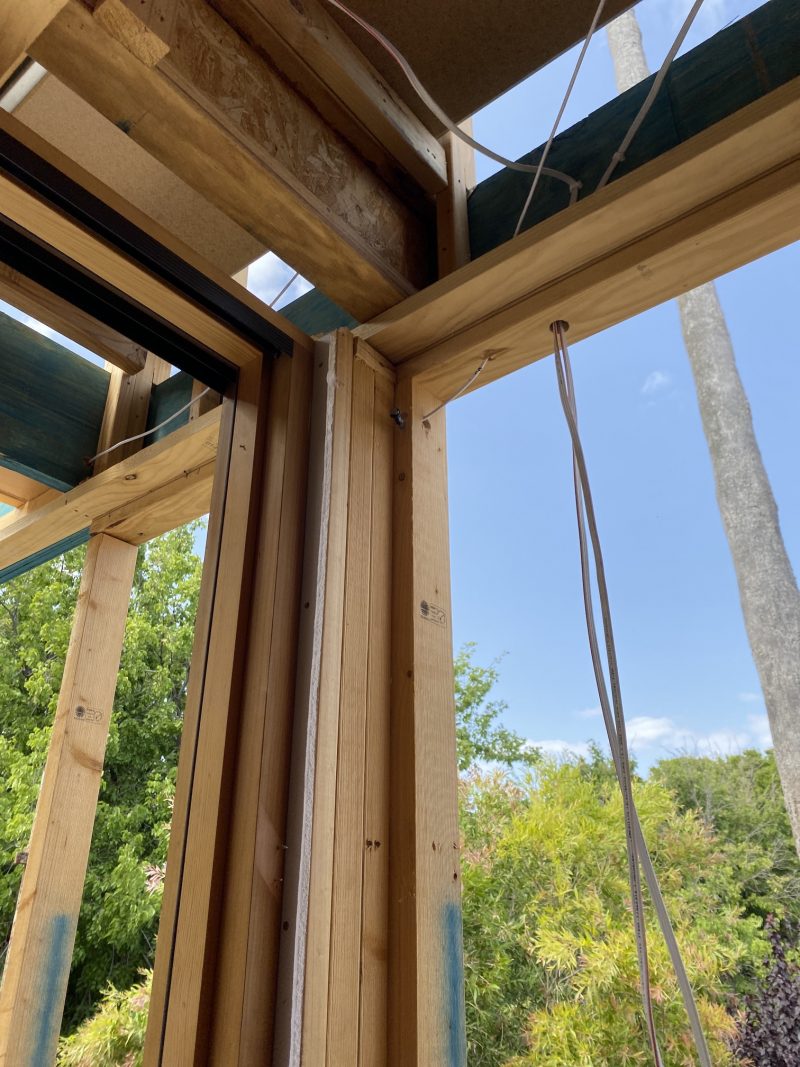
The rule of thumb: If you think you might want it in the next ten years, rough it in now. Capping off an unused cable costs almost nothing. Retrofitting later costs a lot.
TV Antenna and Free-to-Air
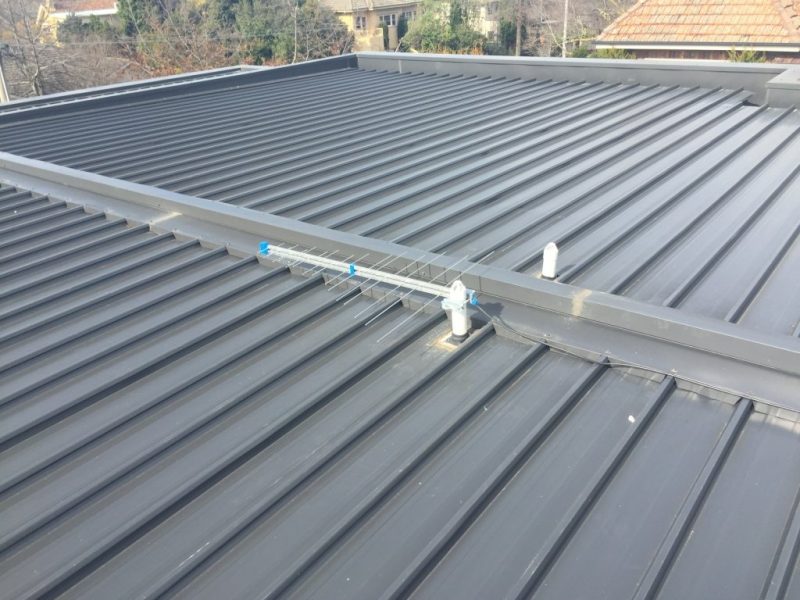
Even in the streaming era, a quality antenna installation is worth doing. Free-to-air TV is zero cost, doesn’t rely on your internet connection, and is still the best way to watch live sport, news, and Australian drama without buffering.
TV & Free-air checklist:
- Roof antenna with distribution to all TV locations
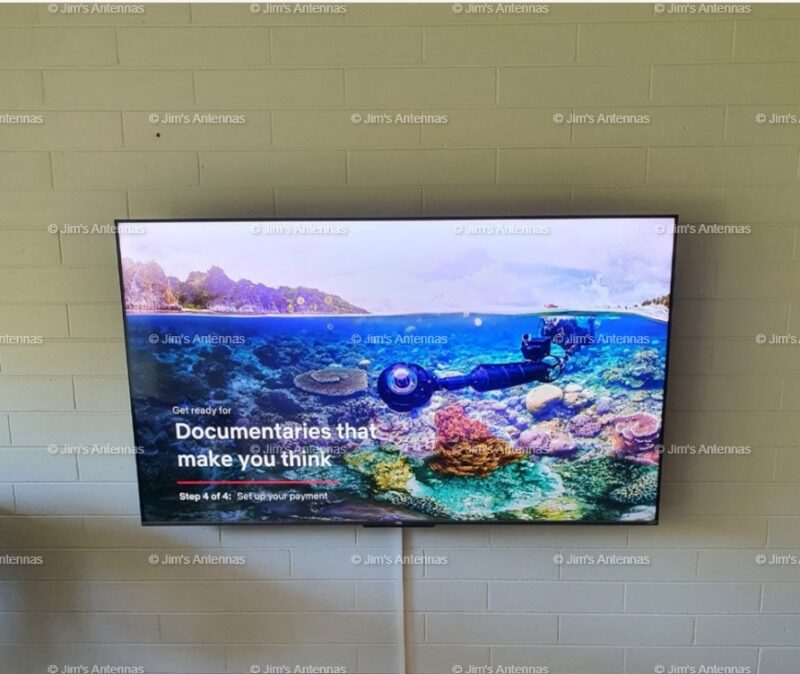
- TV outlet in the main living area
- TV outlets in all bedrooms
- TV outlet in alfresco / outdoor entertaining
- TV outlet on each storey (multi-level homes)

Data Points and Home Networking
This is the single biggest area of regret we hear about. Homeowners assume Wi-Fi will cover everything and in a small apartment it often does but in a larger home, especially with brick internal walls, concrete slabs, or a two-storey layout, wireless has real limits.
A wired ethernet connection is always faster, always more stable, and always more reliable than Wi-Fi. For devices that stay in one spot (smart TVs, gaming consoles, desktop computers, streaming boxes) a wired data point is almost always worth having.

What to rough in:
- At least one data point behind where each TV will go. Smart TVs connected via ethernet are noticeably more responsive than on Wi-Fi
- Data points in your home office or study: for video calls and working from home, a wired connection is significantly more reliable
- A data point near where your router will live, ideally in a central location rather than stuck in a corner wherever the NBN comes in
- Data points for a home theatre or media room setup
- Consider a network cabinet or communications cupboard (a central point where all your data, phone, and TV cables terminate, making upgrades and changes much easier later)
- Data Cabling for Wi-fi Access points to extend the Wi-Fi throughout the home and your outdoor area
Pro tip: Run Cat6 cable throughout. It’s the current standard, handles gigabit speeds easily, and is backward compatible with everything. The extra cost over older cable types is minimal.
Security Cameras
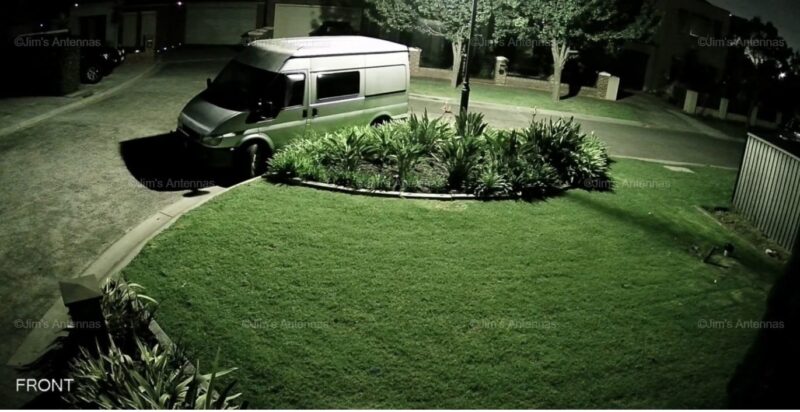
If you’re thinking about security cameras and most homeowners eventually do a new build is the ideal time to rough in the cabling. Wired CCTV systems are more reliable and more secure than wireless alternatives, but they need cable runs from each camera location back to a central recorder.
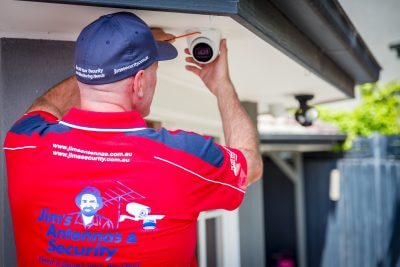
What to plan for:
- Conduit or cable runs to your main entry points: front door, driveway, back fence line, side gates
- Power and data to your front door area for a video doorbell if that’s of interest
- A location for the recorder (NVR) (typically a lockable cupboard, laundry, or garage) with power and a data connection back to your network
- Outdoor-rated cable runs through the eaves for camera positions under the roofline
Even if you’re not ready to install cameras at handover, having the cabling in place means you can add cameras later for the cost of hardware alone.
Home theatre and AV spaces
If you’re planning a dedicated home theatre, media room, or even just a lounge room with a serious TV setup, there are a few things to get right during the build.

- In-wall or in-ceiling speaker cable runs. Doing this after the fact means visible cable or significant patching work
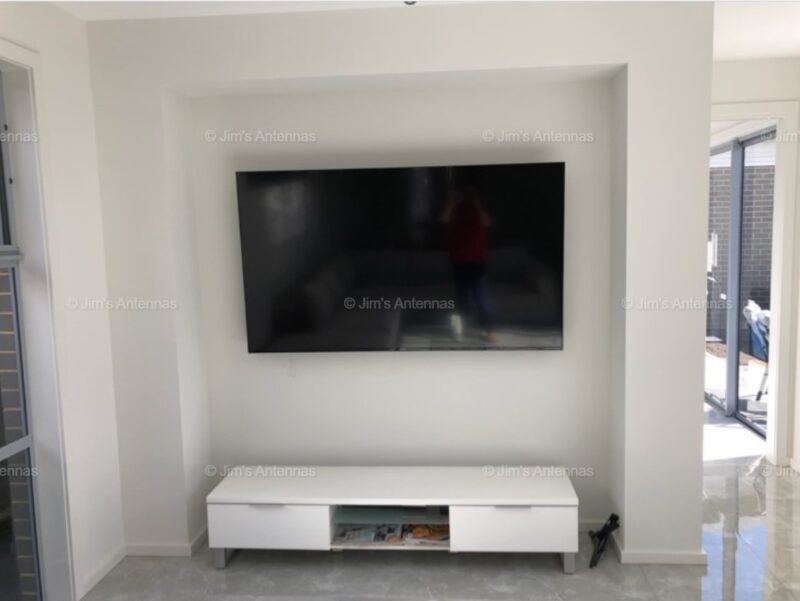
- HDMI conduit from behind the TV wall to the cabinet where your equipment will sit this future-proofs you for new HDMI standards without needing to re-run cable
- Power points behind the TV wall at the right height for a wall-mounted screen, plus at the equipment cabinet
- Acoustic considerations if it’s a dedicated theatre. Your builder needs to know early if you want any insulation or room treatment built in
Don’t forget: Plan where your equipment cabinet or TV unit will sit before you finalise power point locations. A power point installed where the cabinet will go is useless — you want them slightly offset so cords can run neatly behind furniture
Outdoor and Alfresco
Australian outdoor living is serious business, and your alfresco or entertaining area deserves the same consideration as indoor spaces.
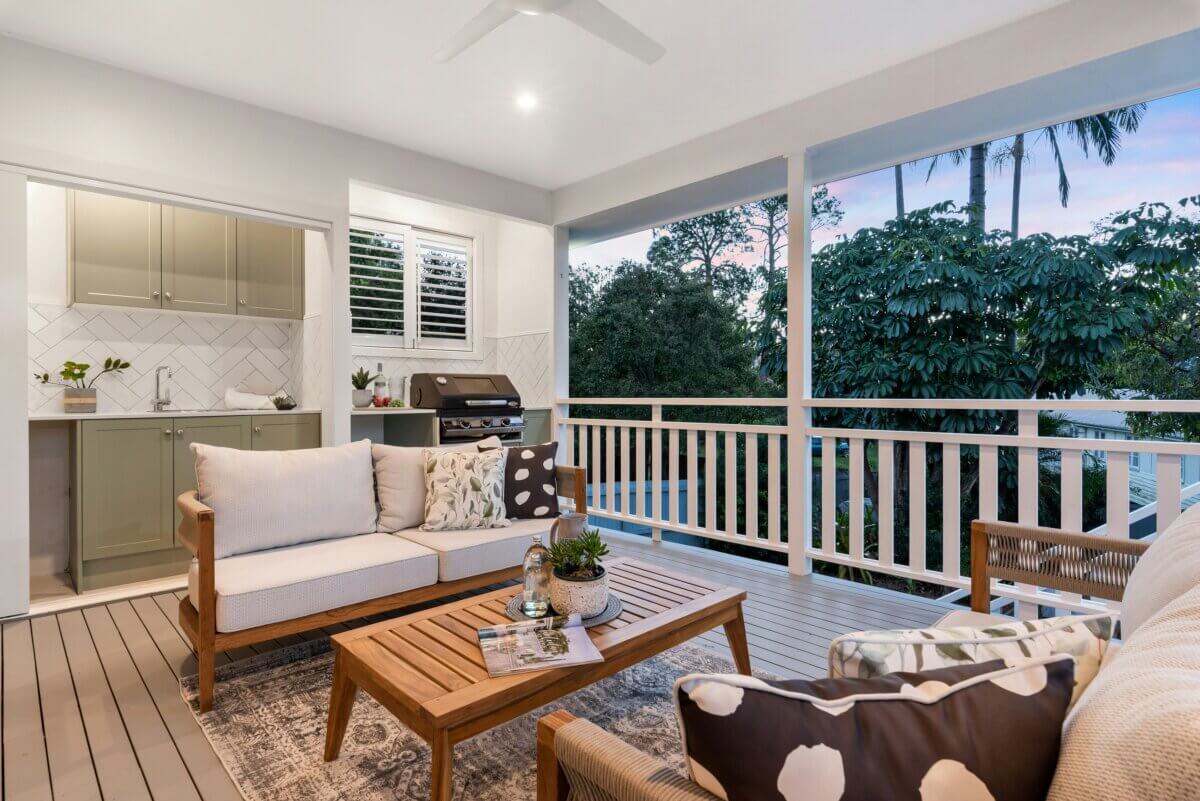
- A weatherproof TV outlet and power point on the alfresco wall. These need to be rated for outdoor use
- Speaker cable to ceiling or wall positions for outdoor audio
- A data point if you plan to connect a streaming device or smart outdoor speaker
Your Quick pre-build checklist
Walk through this before you sign off on your electrical and data plans:
TV & Free-to-Air
☐ Roof antenna with distribution to all TV locations
☐ TV outlet in main living area
☐ TV outlets in all bedrooms
☐ TV outlet in alfresco / outdoor entertaining
☐ TV outlet on each storey (multi-level homes)
Data & networking
☐ Cat6 data point behind every TV location
☐ Cat6 data points in home office / study
☐ Central network cabinet or comms cupboard
☐ Data point at router location (central to home)
☐ Data point at home theatre / media room equipment position
Security
☐ Camera cable runs to front door, driveway, back and side access points
☐ Power and data at NVR / recorder location
☐ Video doorbell conduit at front entry
AV & home theatre
☐ In-wall speaker cable to all speaker positions
☐ HDMI conduit behind TV wall to equipment cabinet
☐ Power points at correct height behind TV and at cabinet
☐ Conduit for cross-room cable runs
Outdoor
☐ Weatherproof TV outlet on alfresco
☐ Outdoor speaker cable runs
Get the pre-wire conversation right
The best time to talk to us is before you finalise your electrical and data plans — and prior to plastering going up. We can review your floor plan, suggest cable routes, and make sure your renovation is pre-cabled for a seamless fit off, leaving you ready to go as soon as they keys are handed over.
It’s a conversation that costs nothing and can save you thousands.
Contact Jim’s Antennas
Website: www.jimsantennas.com.au
Phone: 131 546
Book a technician today and enjoy fast, reliable W-iFi throughout your home or business.