Is Your Wi-Fi Router Letting You Down?

Your Wi-Fi router is the engine behind everything you do online from streaming and working to running security systems and smart devices. But if your connection is slow, unreliable, or drops out in certain rooms, your router could be the weak link.
The reality is, even with a fast internet plan, an outdated or poorly positioned router can hold your entire network back.
Why Your Wi-Fi Isn’t Performing Like It Should
If you’re constantly dealing with buffering, lag, or dead zones around your home, there’s usually a reason. In many cases, it comes down to where your router is placed and how well it can handle modern internet demands.
Routers hidden away in cupboards, placed in corners, or surrounded by thick walls and appliances struggle to deliver a strong, consistent signal. The further your devices are from the router and the more obstacles in the way, the worse your connection becomes.
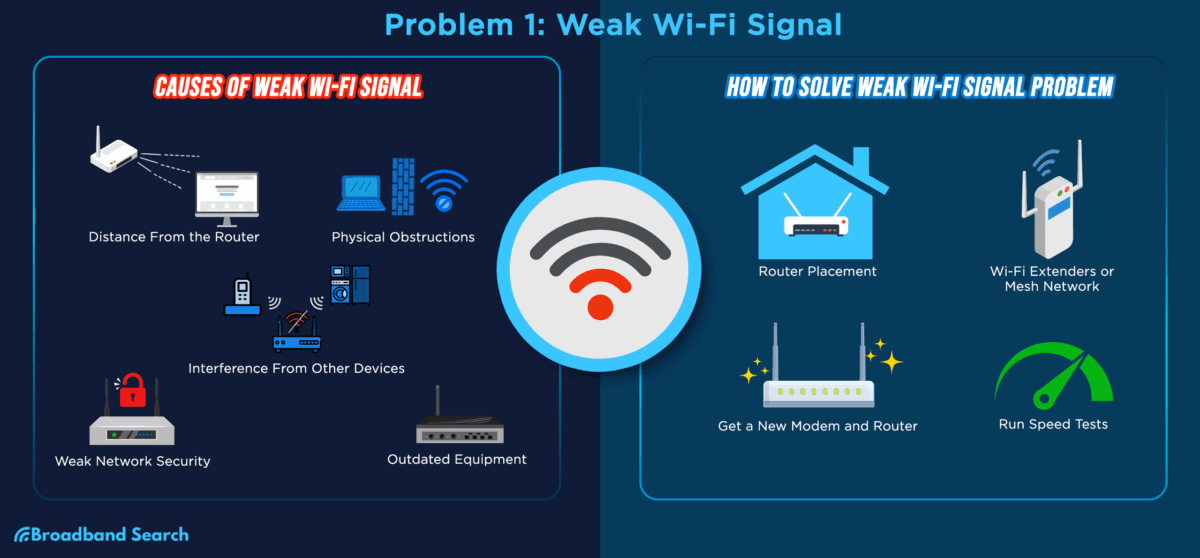
*Infographic from Broadband Search
The Hidden Problem: An Outdated Router

A lot of people don’t realise their router might simply be too old. Technology has changed rapidly over the past few years, and older routers weren’t built to handle today’s usage. Multiple streaming devices, video calls, smart home systems, and security cameras all place higher demands on your network.
If your router is more than a few years old, it may be limiting your speeds, causing dropouts, and preventing you from getting the performance you’re paying for.
Upgrading to a newer model can instantly improve speed, stability, and overall coverage especially in busy households.
How to Tell If You Need an Upgrade
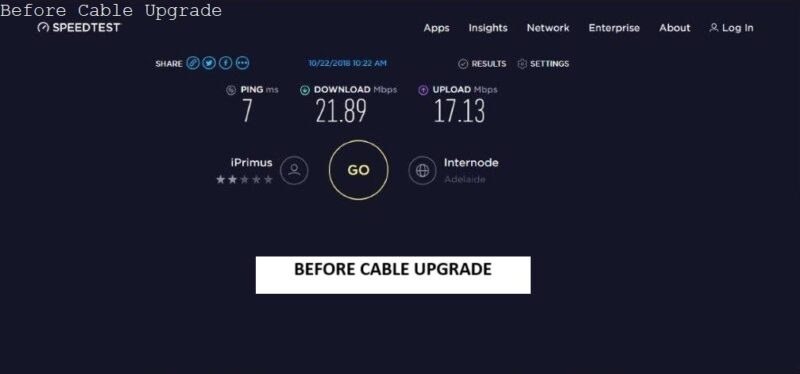
A quick speed test can reveal a lot. If your internet performs well when you’re close to the router but slows down significantly in other areas, your coverage is likely the issue. If your Wi-Fi speeds are much lower than what your plan promises, your router may not be keeping up.
These are clear signs that your current setup isn’t delivering what it should.
Better Coverage Starts with the Right Equipment
For smaller homes, a modern, high-quality router is often enough to provide strong and reliable coverage. But in larger homes or double-storey properties, even a good router can struggle on its own. That’s where a mesh system or hardwired access points come in. By adding multiple access points around your home, you can eliminate dead zones and enjoy a seamless connection in every room.
Stop Putting Up with Poor Wi-Fi
Slow speeds and unreliable connections aren’t something you just have to live with. In many cases, the fix is simple, upgrading your router or improving your setup can make a dramatic difference.
If your Wi-Fi isn’t keeping up with your lifestyle, it’s time to consider a better solution. The right equipment can transform your connection, giving you faster speeds, stronger coverage, and a more reliable network throughout your home.
Get Expert Help with Your Wi-Fi Setup
At Jim’s Antennas & Security, we don’t just install equipment, we make sure your entire network is set up for maximum performance.
Whether you need a new router, a mesh system, or help optimising your current setup, our experienced technicians can assess your space and recommend the right solution.
Book a free Wi-Fi quote today or call 131 546 to enjoy faster speeds, better coverage, and a more reliable connection throughout your home or business.