Channel 7 MPEG-2 Switched Off in Melbourne – What It Means for Your TV
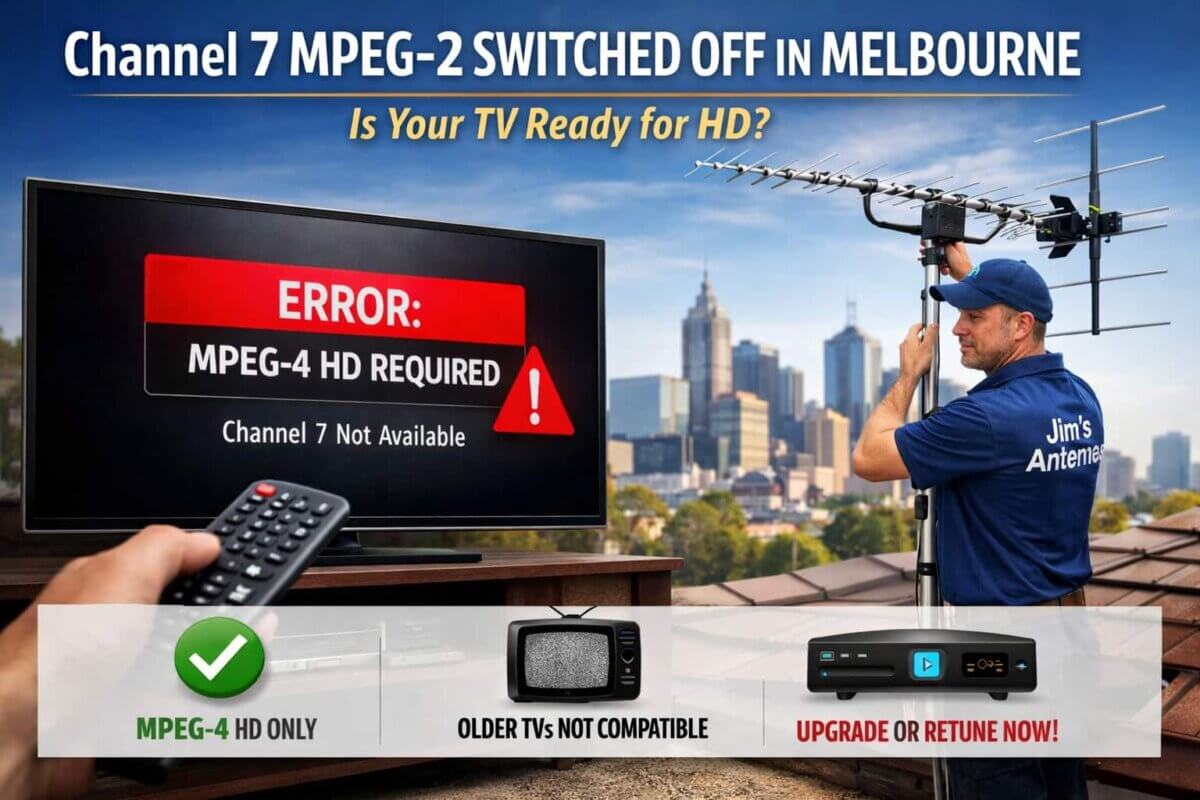
Melbourne viewers may have recently noticed a major change to Channel 7. As of 27 February 2026, the network has officially switched off its old MPEG-2 standard-definition broadcast and moved to HD using MPEG-4 technology.
This marks the final step in Seven’s nationwide upgrade and is one of the most significant free-to-air TV changes in recent years. So, what does it mean for your home setup – and what should you do if Channel 7 has suddenly disappeared?
What Has Changed?
Channel 7 in Melbourne is no longer broadcast in the older SD MPEG-2 format.
It is now:
• HD only
• Compressed using MPEG-4
• Available on updated channel services (including 7 and 71 in HD)
This newer technology allows broadcasters to deliver better picture quality and more efficient use of spectrum.
Why the Upgrade Is Happening
The move from MPEG-2 to MPEG-4 is all about the future of free-to-air TV:
✔ Sharper HD picture quality
✔ More reliable transmission
✔ Capacity for additional services
✔ Modern, more efficient broadcasting
It also brings Channel 7 into line with how most other digital TV services are already delivered.
Why Some TVs Have Lost Channel 7
If Channel 7 has vanished or shows:
- A black screen
- Sound but no picture
- “Invalid format”
The issue is not your antenna.
It simply means your TV or set-top box does not support MPEG-4.
Most equipment sold before around 2009 was built for MPEG-2 only and cannot decode the new signal.
How to Check If Your TV Is Compatible
A quick test:
Tune to Channel 70 or another HD service
If you can see the picture clearly, your TV is MPEG-4 compatible.
If not, you will need an upgrade solution.
First Step: Retune Your TV
In many homes the fix is simple:
- Go to your TV menu
- Select Auto Tune / Channel Scan
- Let the scan complete
Most TVs will then automatically store the new HD services.
Your Upgrade Options
If your TV isn’t MPEG-4 compatible, you don’t necessarily need a new television.
Option 1 – Install an HD Set-Top Box
The most cost-effective solution.
Option 2 – Upgrade to a New TV
All modern TVs support MPEG-4.
Option 3 – Professional Setup & Retune
Ideal if:
- Channels are missing after a scan
- You have multiple TVs
- You live in a low-signal area
Your system includes a splitter or amplifier
Why Signal Quality Still Matters
This broadcast change is about format, not reception — but it often highlights existing antenna issues.
An antenna system that was “just OK” for SD may struggle with HD.
You may notice:
- Pixelation
- Drop-outs
- Some TVs working while others don’t
That’s where a professional signal test makes all the difference.
How Jim’s Antennas Can Help
Our local Melbourne technicians can:
✔ Check if your equipment is MPEG-4 compatible
✔ Professionally retune your TVs
✔ Supply and install HD set-top boxes
✔ Test your signal and antenna system
✔ Fix poor reception issues
All with a free onsite, no-obligation quote.
Need Help With Channel 7 in Melbourne?
We’re already helping households across Melbourne restore their channels and upgrade their systems for the future of free-to-air TV.
Clear picture. Reliable signal. Ready for HD.
Don’t Wait Until You Miss Your Favourite Show
This change is permanent – MPEG-2 is not coming back.
If Channel 7 has disappeared or your TV is showing an error, the solution is usually quick and affordable.

Contact Jim’s Antennas
Website: www.jimsantennas.com.au
Phone: 131 546