Struggling with NBN Dropouts? Here’s How to Get a Stable Connection
Dropouts can be caused by:
- Poor Wi-Fi coverage or router placement
- Outdated modems or equipment
- Faulty or damaged cabling
- Electrical interference from nearby devices
- Connection type (e.g. FTTN vs FTTP)
- Issues with your internet provider or NBN infrastructure
Quick Troubleshooting Tips
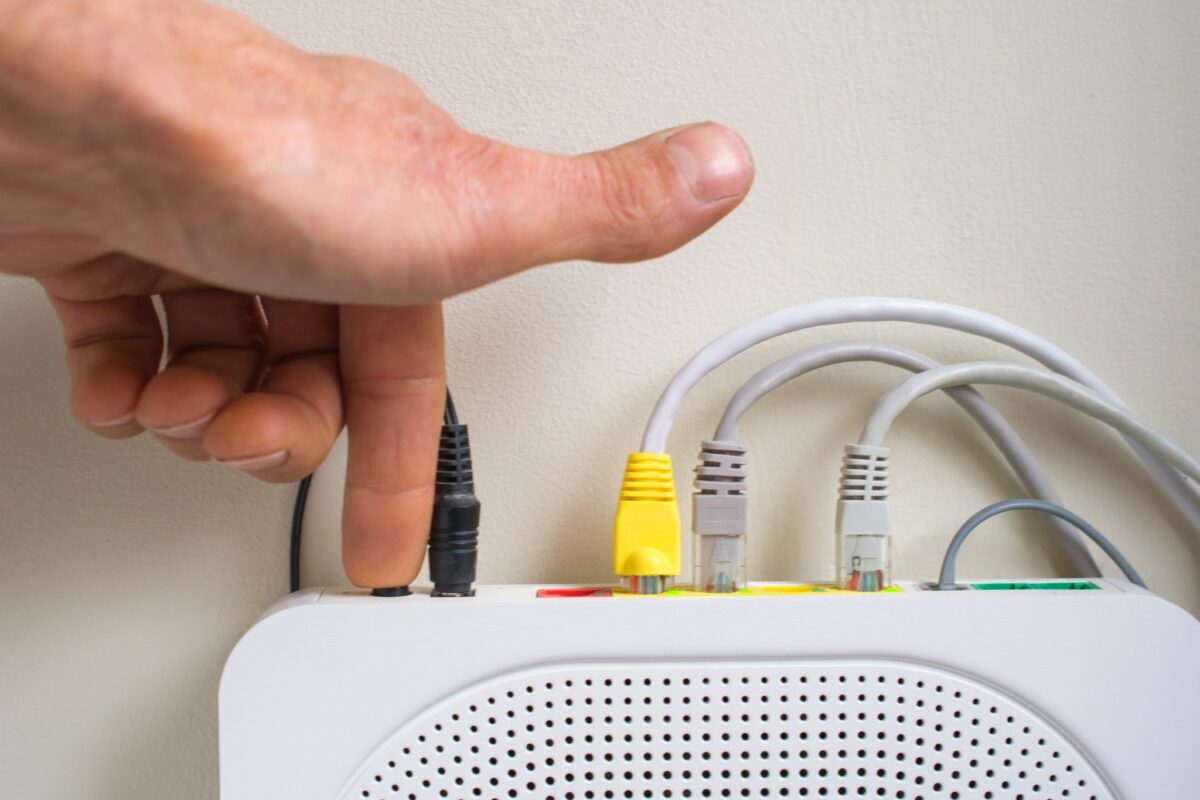
1. Restart your modem/router
Turn it off at the power, wait 30 seconds, and turn it back on.
2. Check for outages
Visit your provider’s website or the NBN Co site to check for local issues.
3. Move your router
Place it in a central, elevated spot away from other electronics.
4. Reduce connected devices
Too many devices can slow things down or cause dropouts.
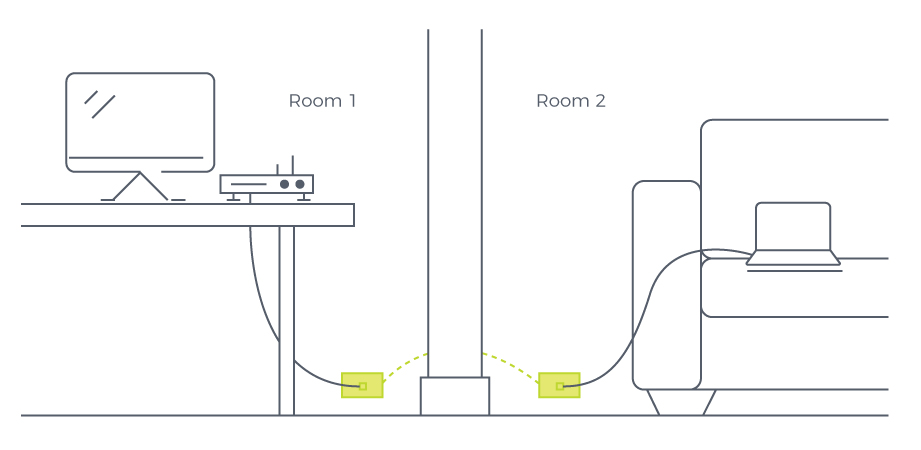
5. Try a wired connection
Plug your device directly into the modem. If that works, it’s likely a Wi-Fi issue.
When to Contact Your Provider?
Call your internet provider if:
- You’re still experiencing dropouts with a wired connection
- There’s an outage in your area
- Your modem may be faulty
- Line tests or deeper technical support is needed

When to Call Jim’s Antennas?
If your Wi-Fi is weak, inconsistent, or doesn’t reach all areas of your home or business, our team can help with:
- Hardwired data point installations for reliable connections
- Wi-Fi signal improvements with proper equipment placement or mesh systems
- Upgraded or relocated routers
- Home and office network optimisation
We work with homes and businesses across Australia to ensure their internet setup supports the way they live and work.
Let’s Get Your NBN Working Property
If NBN dropouts are disrupting your day, Jim’s Antennas can provide fast, expert help to get your network back on track.
Call 131 546 or
Book online at jimsantennas.com.au