5 Common Myths About TV Antenna Reception, Busted
Before you blame the weather, the TV, or your streaming service, here’s what’s actually behind most reception problems. Ask ten homeowners why their picture keeps dropping out or pixelating, and you’ll get ten different theories. Most of them aren’t quite right.
Antenna and reception issues are some of the most misunderstood parts of home entertainment, mostly because you can’t see the signal itself, so it’s easy to blame the wrong thing. Here are five myths our technicians hear all the time, and what’s usually going on instead.
Myth 1: A stronger signal always means a better picture
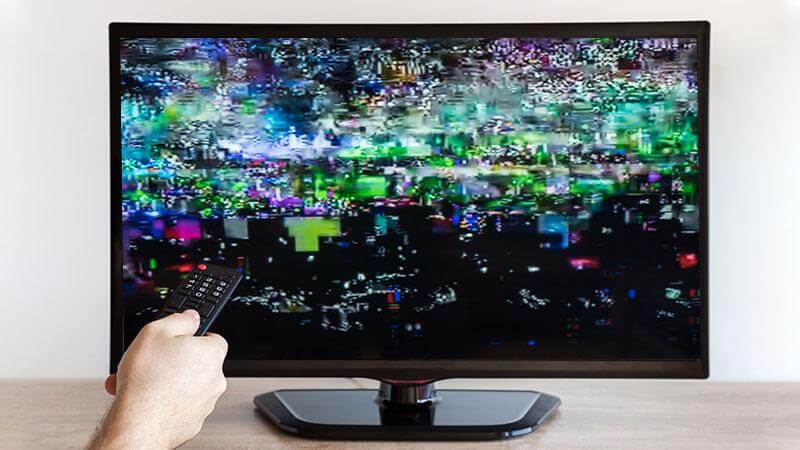
Digital TV isn’t like the old analogue days, when a weak signal just meant a snowy picture. With digital reception, quality comes down to signal integrity, not just strength. A signal can be strong but distorted by interference, reflections off nearby buildings, or a damaged cable, and still give you a poor picture or none at all.
A modest but clean signal will often outperform a strong but noisy one. This is why simply adding an amplifier to boost reception can sometimes make things worse, not better, if the real problem is signal quality rather than signal strength.
Myth 2: Bad weather damages the signal itself
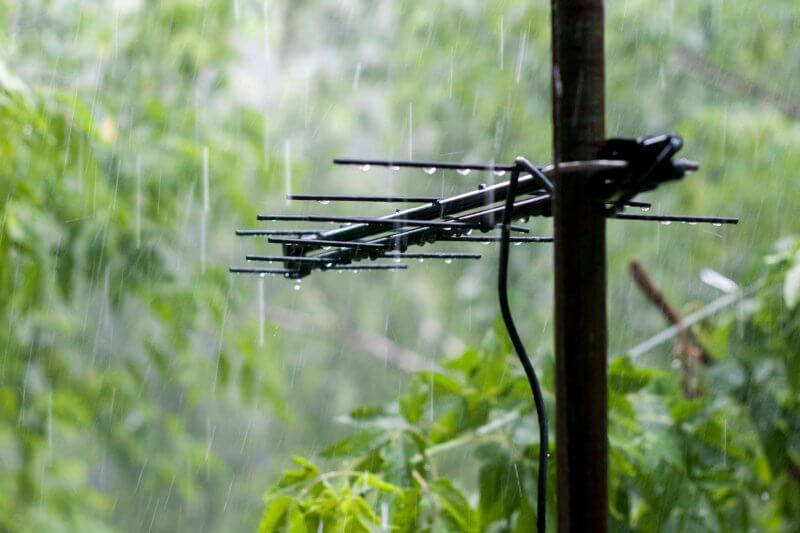
Storms and heavy rain get blamed for dropouts constantly, and while weather can play a role, it’s rarely damaging the broadcast signal directly. More often, wind has physically shifted the antenna out of alignment, water has gotten into an old or poorly sealed connection point, or corrosion on ageing equipment is finally being exposed by the extra moisture.
A one-off dropout during a storm that clears up afterwards is usually weather-related interference. Reception that stays poor after the weather clears is a sign something physical needs attention.
Myth 3: If it worked before, the antenna itself can’t be the problem
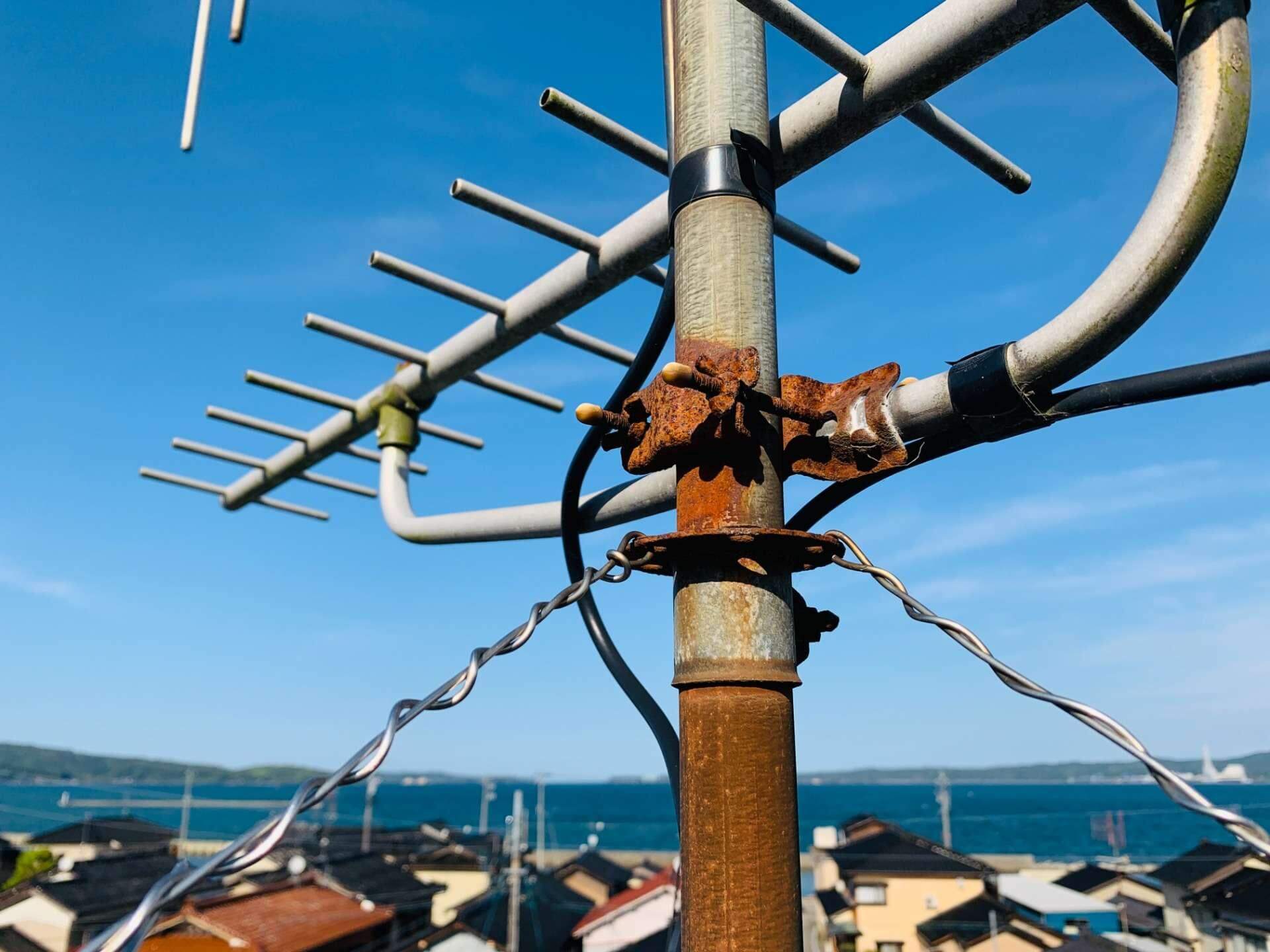
Rooftop antennas are built to handle the elements, but not to last forever. UV exposure makes plastic components brittle, elements can bend or corrode, and mounting brackets loosen gradually over years of wind movement, often without any single dramatic event to point to.
A reasonable working lifespan for a well-installed antenna is around 10 years, though this varies with location and exposure. It’s easy to assume a longstanding issue must be something new, like a splitter or a device setting, when the true cause is simply an antenna that has quietly reached the end of its usable life.
Myth 4: Streaming services have made antennas obsolete
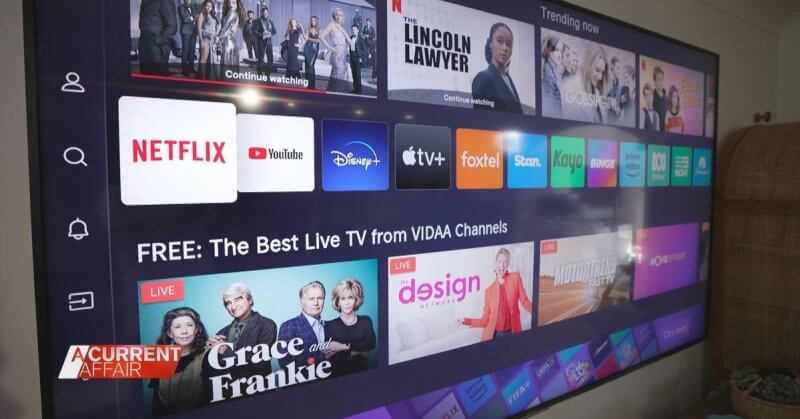
Streaming has changed how a lot of households watch TV, but free-to-air broadcast still carries content that isn’t available anywhere else, including live sport, news, and local programming, without a subscription or reliance on internet bandwidth. Broadcast reception also isn’t affected by internet outages or data caps.
Many households now run both: streaming for on-demand content, and an antenna for live and local viewing. Removing an antenna altogether often means losing access to content a household didn’t realise it still relied on.
Myth 5: A new TV will fix ongoing reception problems
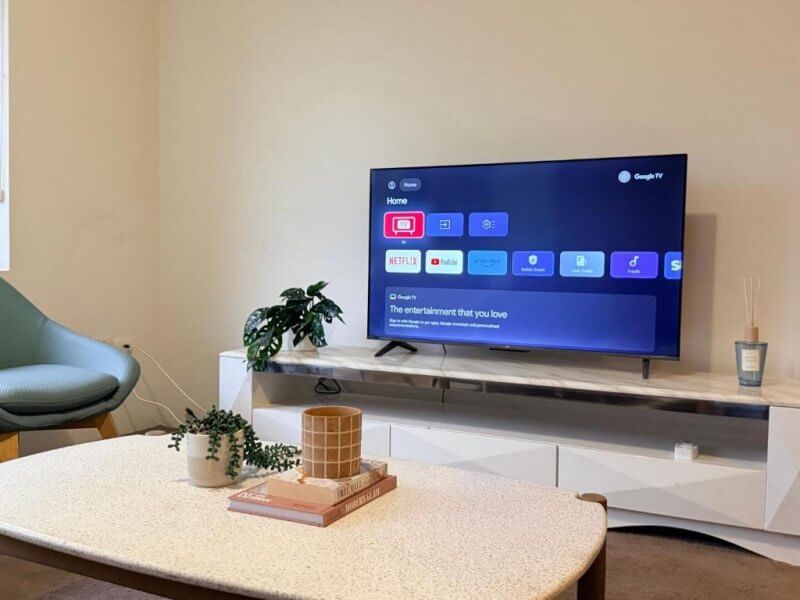
It’s a common assumption when a picture keeps breaking up: the TV’s tuner must be at fault, so a newer model will solve it. In most cases, though, a TV’s built-in tuner is simply decoding whatever signal reaches it. If that signal is already degraded by the time it arrives, a new TV will decode the same poor signal just the same as the old one did.
Testing the same aerial point with a different device, or vice versa, is a quick way to work out whether the problem sits with the incoming signal or the television itself, before you spend money in the wrong place.
Quick checks before you call a technician
If your reception has been playing up, these steps can help narrow down the cause:
- Retune your TV. Broadcasters occasionally shift channel frequencies, and an outdated tune is one of the most common, and easiest to fix, causes of missing channels.
- Check if the problem affects all channels or just one or two. A single affected channel usually points to a broadcast issue, not your equipment.
- Test another TV or set-top box on the same antenna point, if you have one, to rule out the television itself.
- Look at the antenna and cabling for obvious physical damage, such as a bent element or a loose, corroded connection.
- Note whether dropouts happen at a consistent time of day, which can indicate interference from a specific source rather than a hardware fault.
When it’s time to call a professional
Still not sure what’s behind your reception issues? A Jim’s Antennas technician can run a proper signal test at your property and identify the actual cause, rather than guessing between the TV, the weather, and the antenna.
Book a technician online or call 131 546.