Ace Your Australian Open Finals Streaming: A Guide to Prepping Your TV Antenna and WiFi.
The Australian Open finals are just around the corner, and if you’re a tennis enthusiast, you won’t want to miss a single serve or volley. To ensure a seamless streaming experience, it’s crucial to get your TV antenna and WiFi in top-notch condition. In this guide, we’ll walk you through some essential steps to make sure you don’t miss a moment of the action. And for any antenna or WiFi issues, we recommend reaching out to the experts at Jim’s Antennas.
Check Your TV Antenna
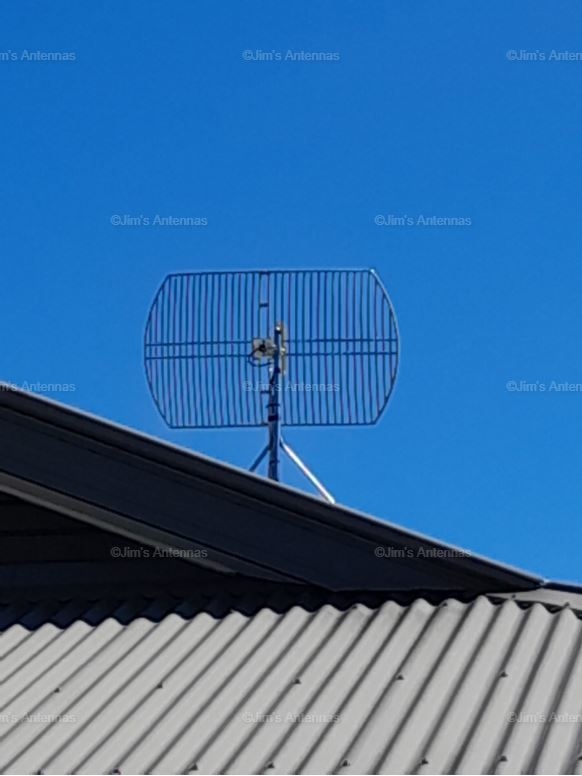
- Start by inspecting your TV antenna for any visible damage or loose connections. Harsh weather conditions or general wear and tear can affect its performance.
- If your antenna is mounted on the roof, ensure it is securely in place and hasn’t shifted. A misaligned antenna can result in poor signal reception.
Upgrade to a Digital Antenna
If you’re still using an analog antenna, consider upgrading to a digital one. Digital antennas provide better signal quality, allowing you to enjoy high-definition broadcasts without interruptions.
Optimise Your WiFi Connection
- Check the placement of your WiFi router. Ensure it’s centrally located and away from obstacles like walls and large furniture, which can hinder signal strength.
- If possible, use the 5GHz band for streaming, as it offers faster speeds and is less prone to interference than the 2.4GHz band.
- Secure your WiFi network with a strong password to prevent unauthorised access, which could slow down your connection.
Rescan for Channels
- Perform a channel scan on your TV to ensure it detects all available channels, including those broadcasting the Australian Open finals. This step is crucial, especially if you’ve recently made changes to your antenna setup.
Jim’s Antennas: Your Trusted Experts
If you encounter any issues with your TV antenna or WiFi, don’t hesitate to contact Jim’s Antennas. With a team of experienced professionals, we specialise in antenna installation, repairs, and WiFi optimisation.
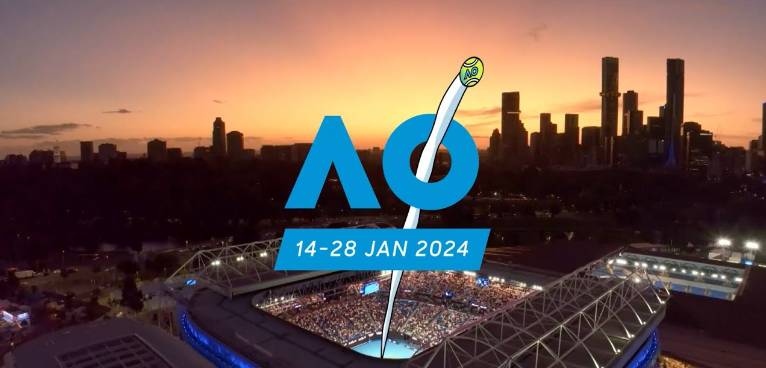
At Jim’s Antennas, we can conduct a thorough assessment of your setup, identify any issues, and provide reliable solutions to ensure you’re ready for the Australian Open finals. Getting your TV antenna and WiFi ready for the Australian Open finals is a proactive step to ensure an uninterrupted streaming experience. Follow these tips to optimise your setup, and if you encounter any challenges along the way, trust the experts at Jim’s Antennas to get you back in the game.
Don’t miss a single match – serve, volley, and cheer for your favourite players with crystal-clear visuals and smooth streaming! Call 131 546 or book here to arrange your free onsite, no-obligation quote today!